Academic Project · NextStep

Jobs for International Students
NextStep cover

Role

UX/UI Designer, Prototyper

Context

Team Project, Academic Project

Timeline

6 weeks

Tools

Figma, ProtoPie

Overview

NextStep is an app designed to empower international students seeking part-time employment. The app combines job searching, AI-driven interview preparation, and work-hour tracking into one platform, this app simplifies the challenges students face when balancing work and academics.
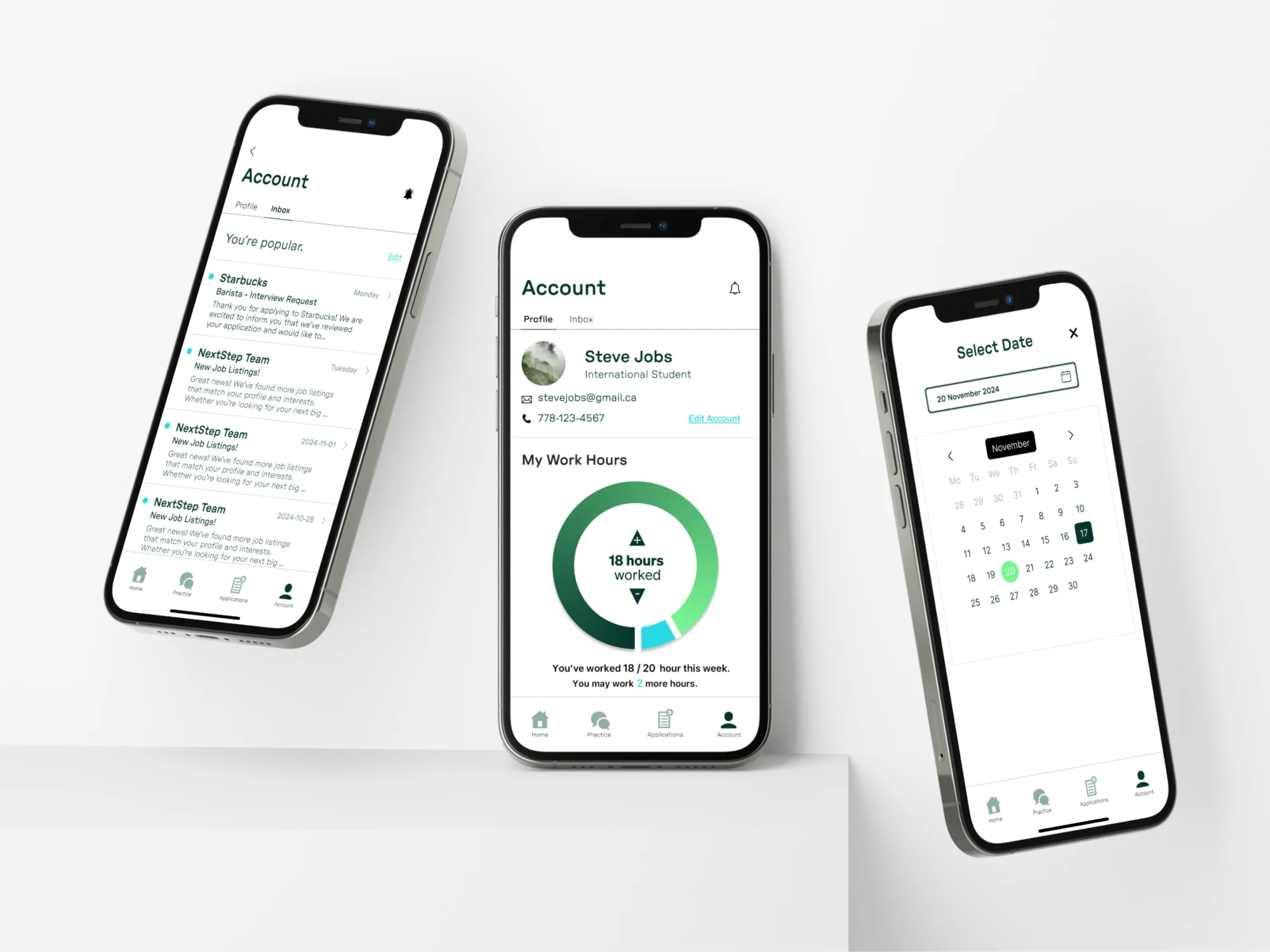
Three phones showing the Account screen: the inbox, the profile with a ring of 18 out of 20 hours worked this week, and a date picker
The Account screen, with the work hours tracker in the middle.

The Problem

The project began by identifying key pain points for international students, including limited work-hour regulations and interview preparation barriers.

Sketches
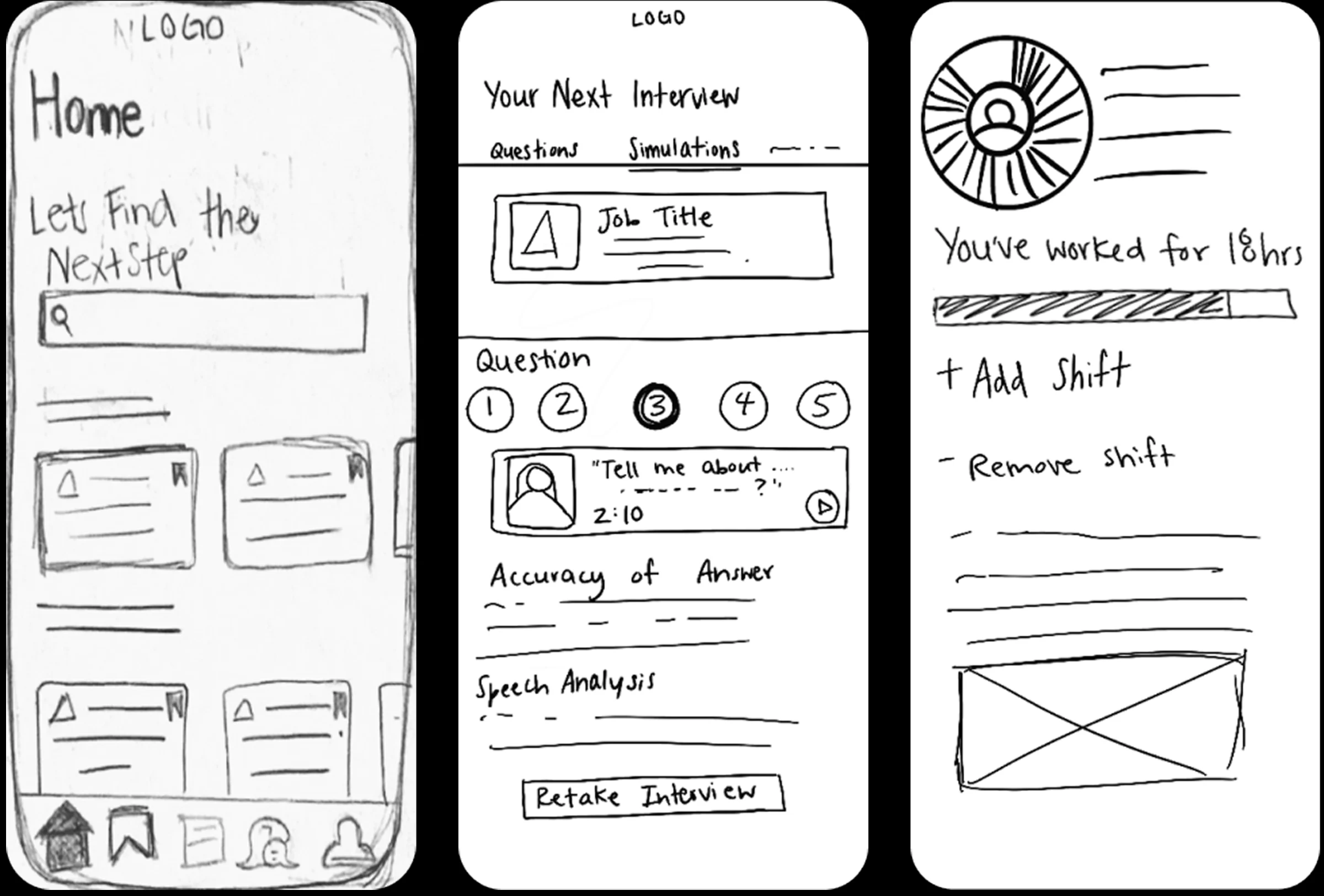
Three phone sketches: the home screen with a job search, an interview practice screen with numbered questions, and the work hours tracker
The first sketches of home, interview practice and the hours tracker.
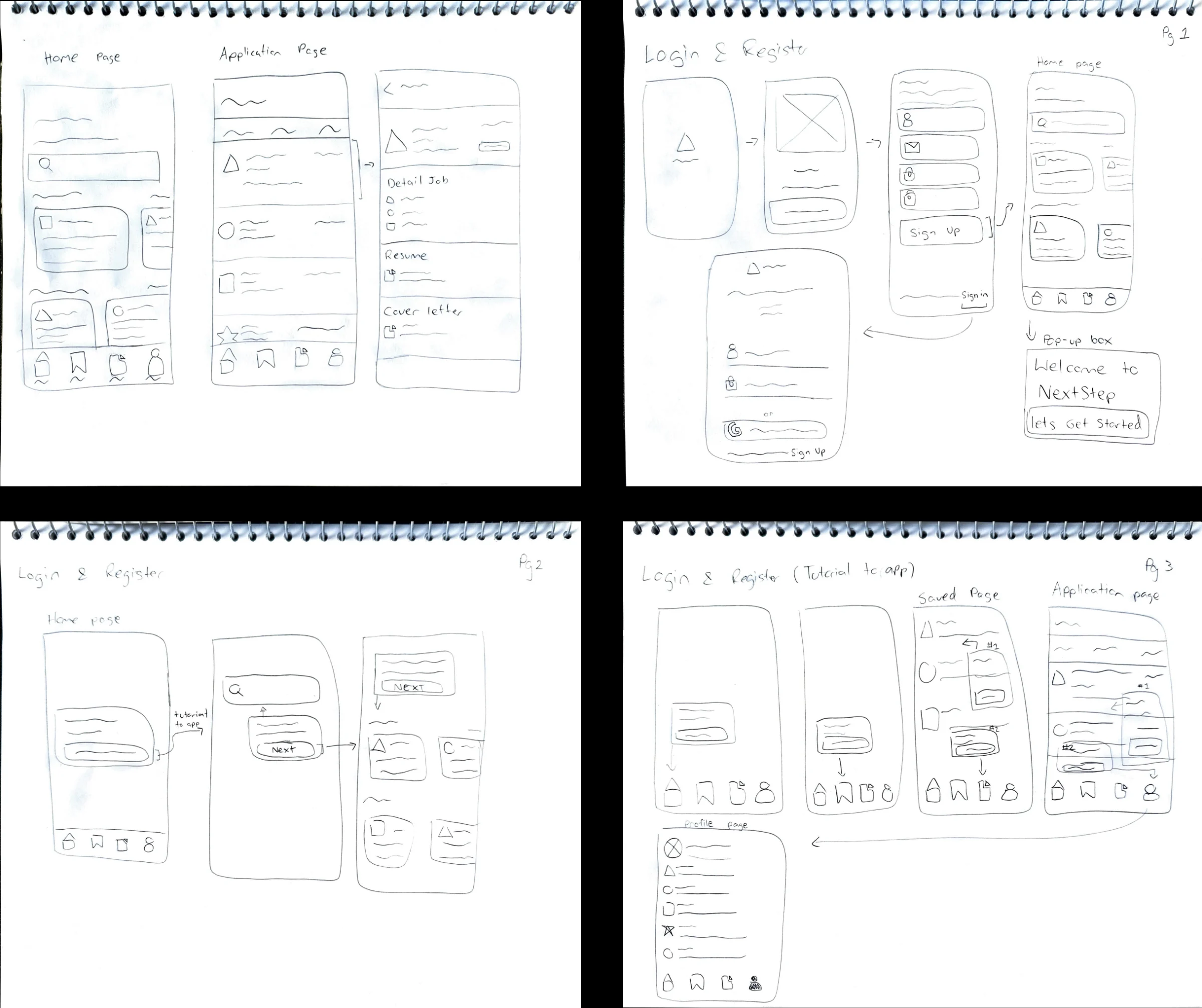
Notebook pages sketching the home and application pages and the login and register flow
Home, applying for a job, and signing up.
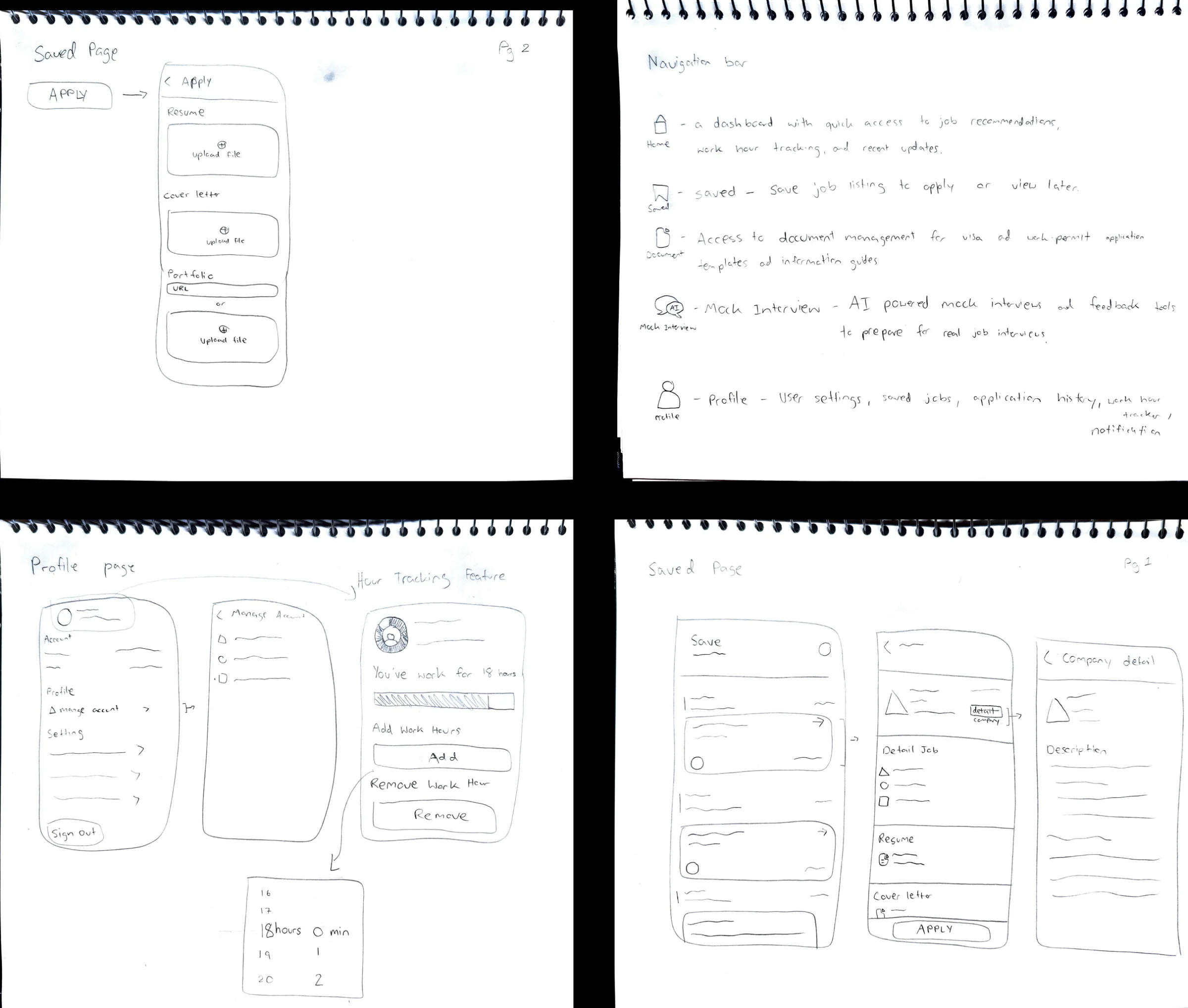
Notebook pages sketching the saved jobs page, the profile and hours tracking, and notes on each tab in the navigation bar
Saved jobs, the profile, and what each tab is for.

Design and Prototyping

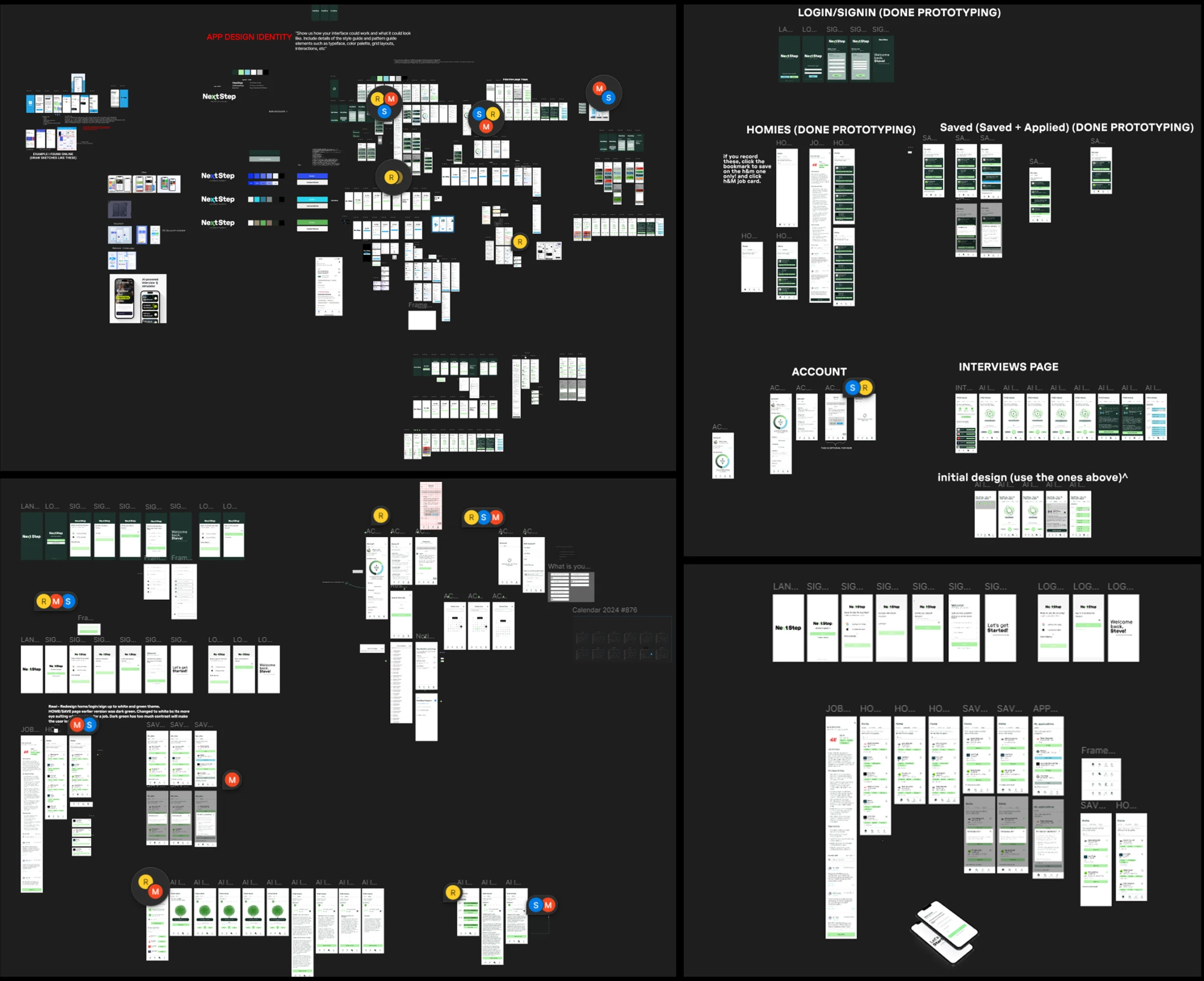
The Figma board: the app's design identity, early layouts, and the prototyped flows for login, home, saved jobs, account and interviews
The Figma board, from early layouts to the finished, prototyped flows.

My role focused on designing and prototyping the user interface and interaction flows. I created interactive elements such as the work-hour tracker, job application buttons, and navigation for key pages like Home, Saved Jobs, and Account. Using Figma and ProtoPie, I developed features such as a dynamic timer for tracking hours, login/sign-up conditions, and a search function. To ensure the app met user expectations, we conducted usability tests and refined the design based on feedback.

Prototyping Challenge

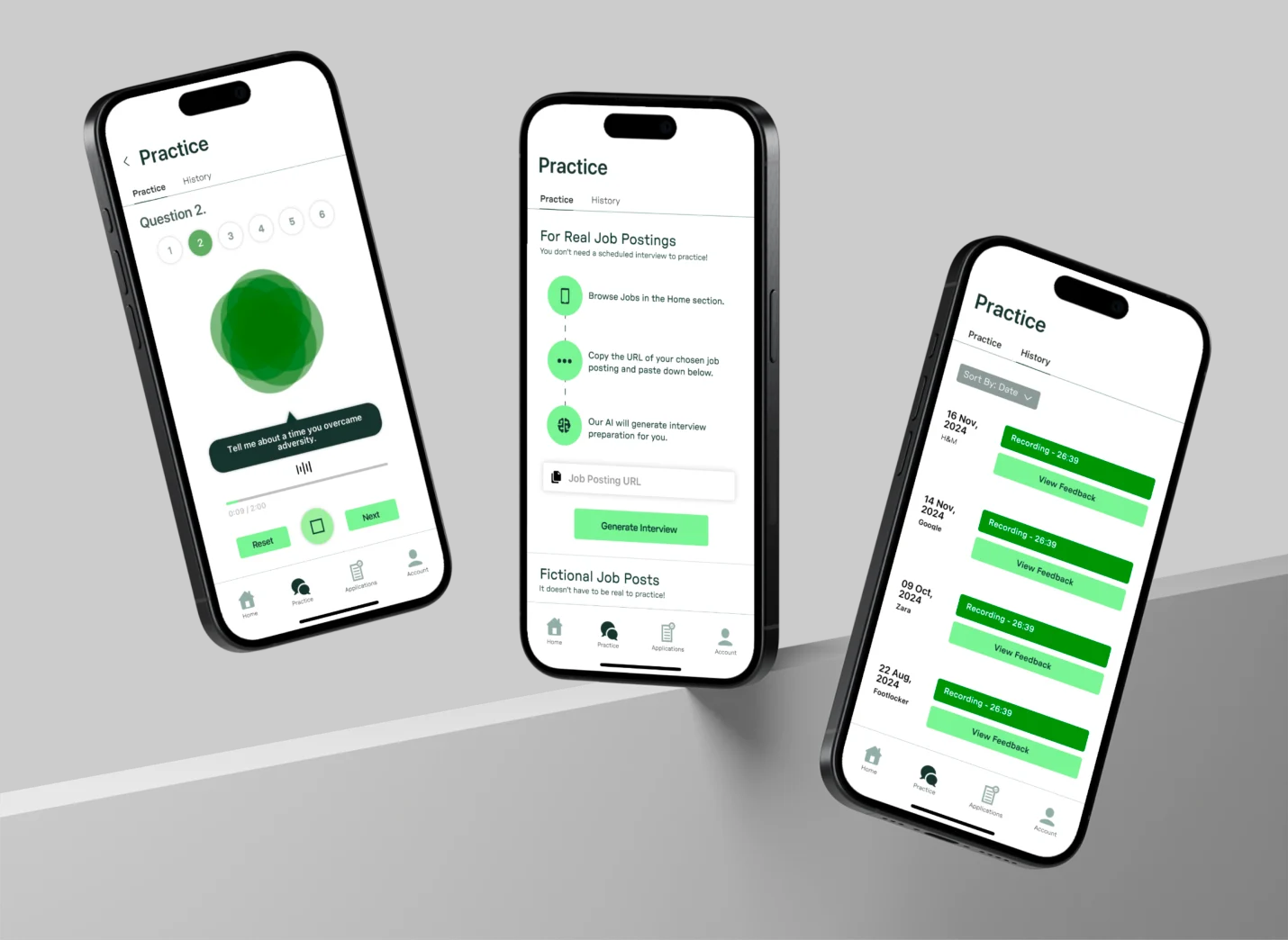
One of the biggest challenges was prototyping the AI interview practice feature in ProtoPie. I had to make the counting timer that started when users pressed “Record,” which required adding simple code to simulate the countdown. Another challenge was creating how the AI responds to specific keywords. I set up keyword-triggered replies to make it feel interactive without real AI. Since this was just a prototype, the AI couldn’t truly listen, so I had to carefully plan how the interactions would feel real.
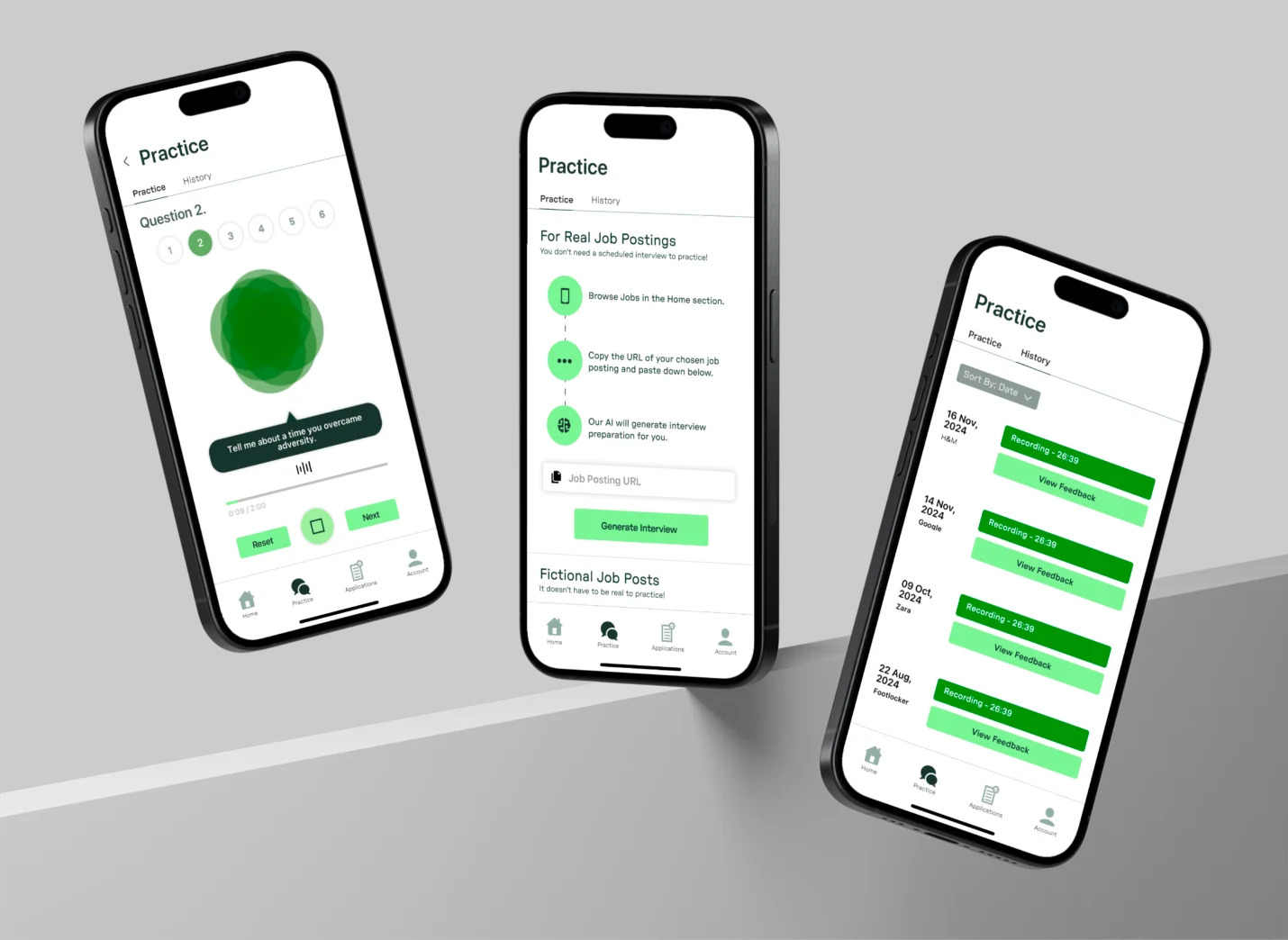
Three phones showing the Practice tab: a question being answered, setting up practice from a real job posting, and the history of past sessions
Interview practice: answering, setting up from a real job posting, and past sessions.

Final Product

A tour: jobs, interview practice and the hours tracker.
A practice interview with Stef, the AI helper.
Past sessions, their feedback, and a retake.
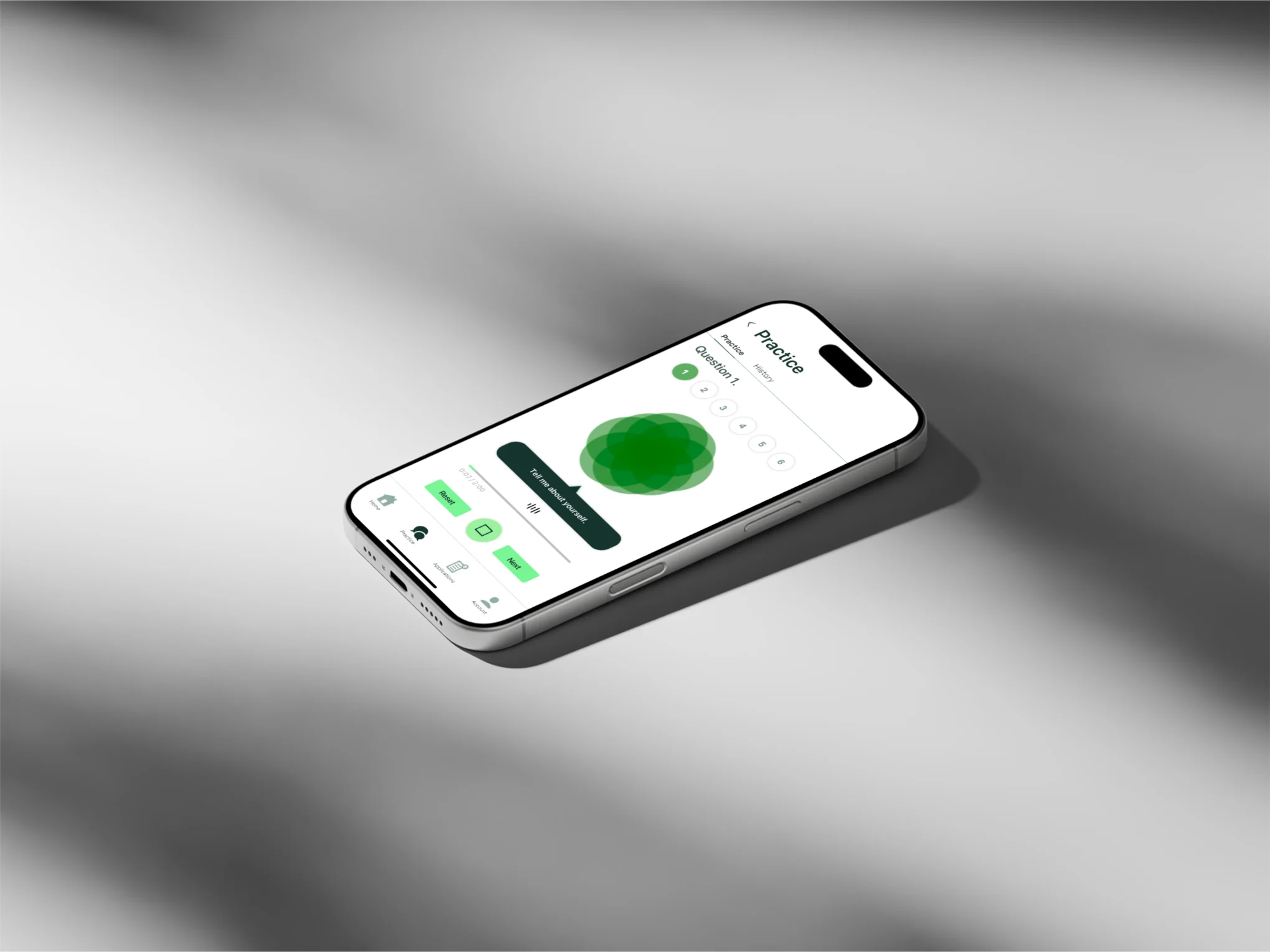
A phone lying flat, showing a practice interview question
A practice question, ready to record.

Final Presentation

Our final presentation, from the problem to the finished app.
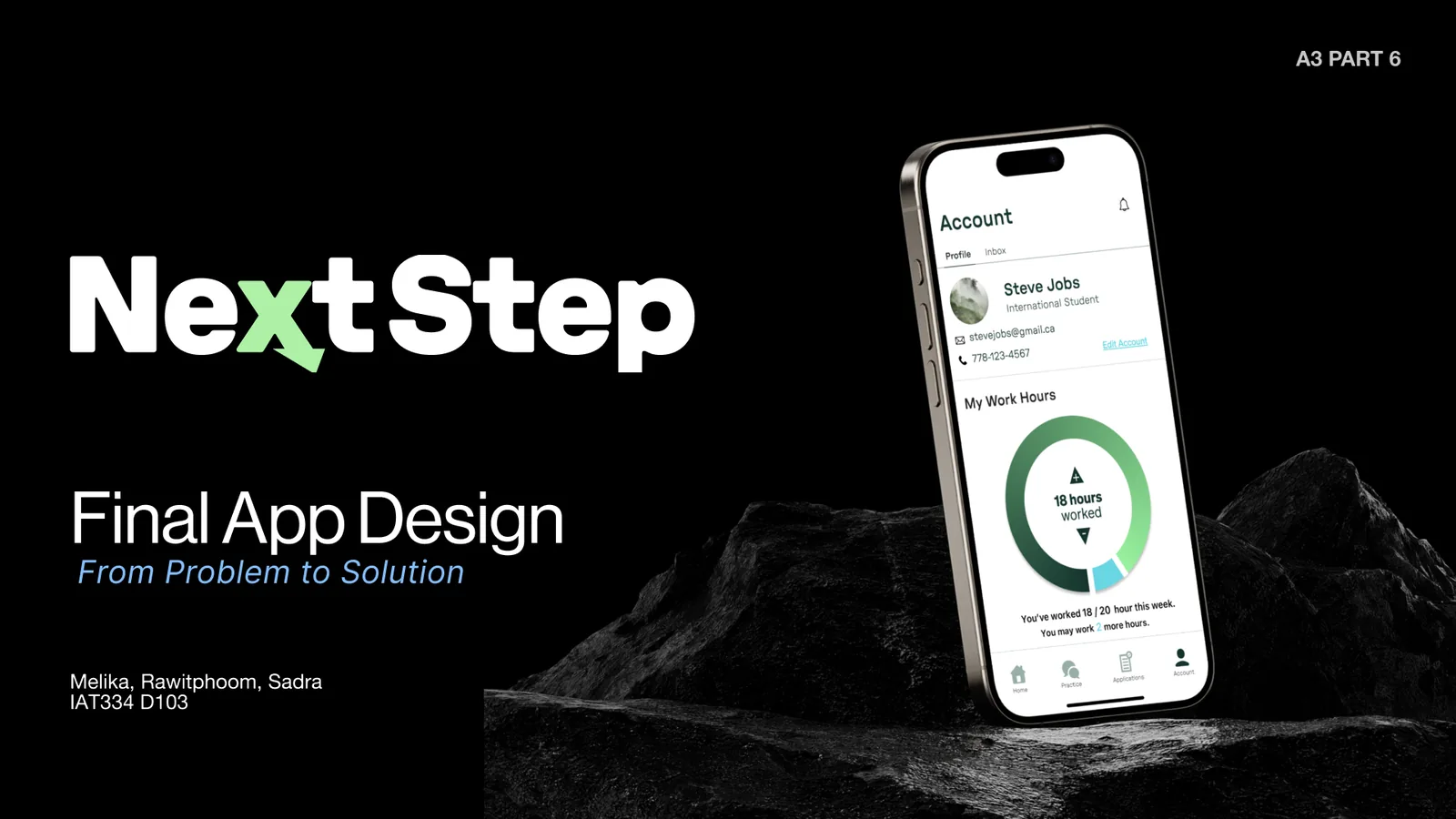
Title slide. NextStep, Final App Design, From Problem to Solution, by Melika, Rawitphoom and Sadra for IAT334. A phone on a dark rock shows the Account screen with 18 of 20 work hours logged.
Title slide.
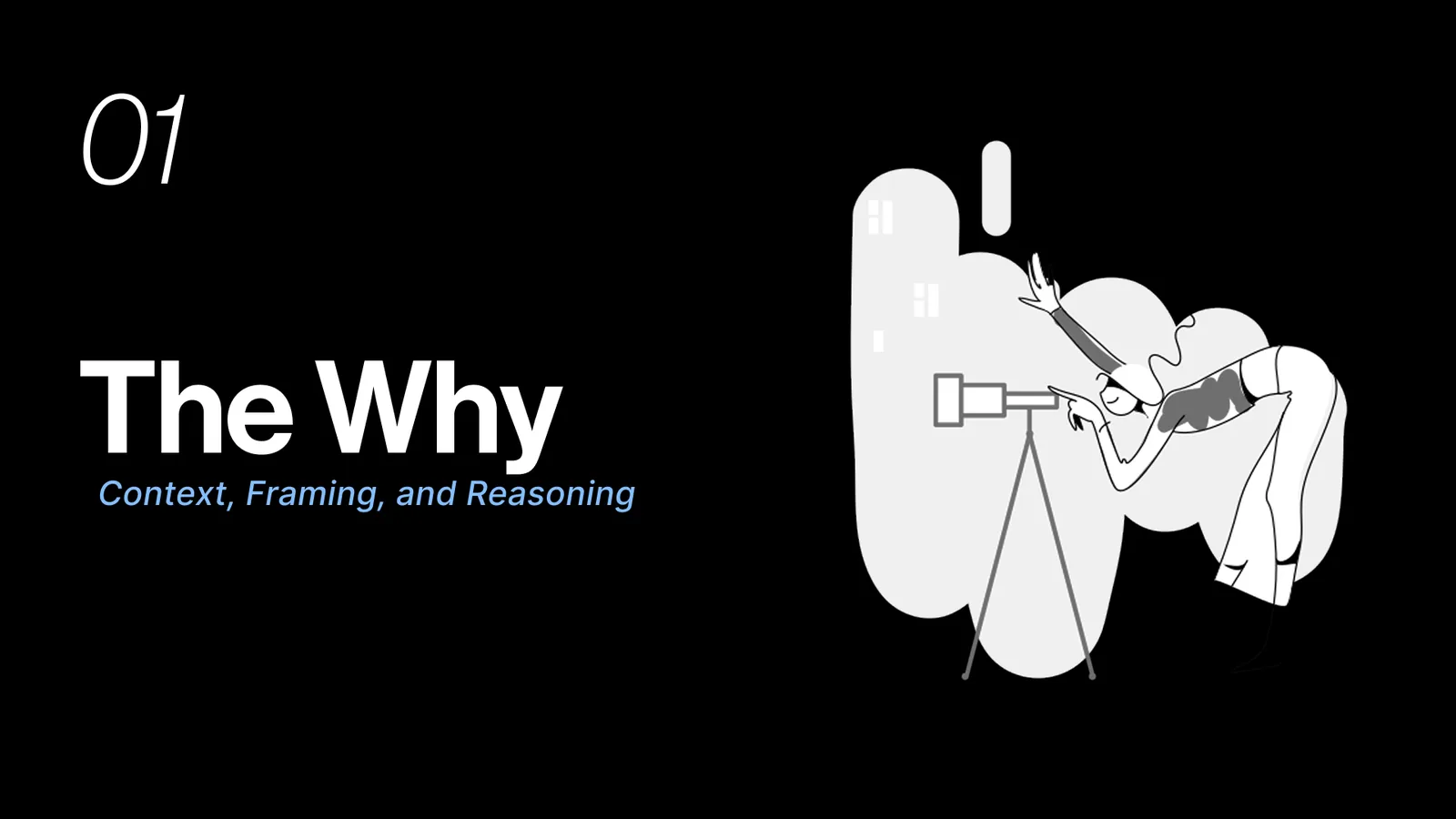
Section 01, The Why: context, framing and reasoning. An illustration of a person looking through a telescope.
Part one, the why.
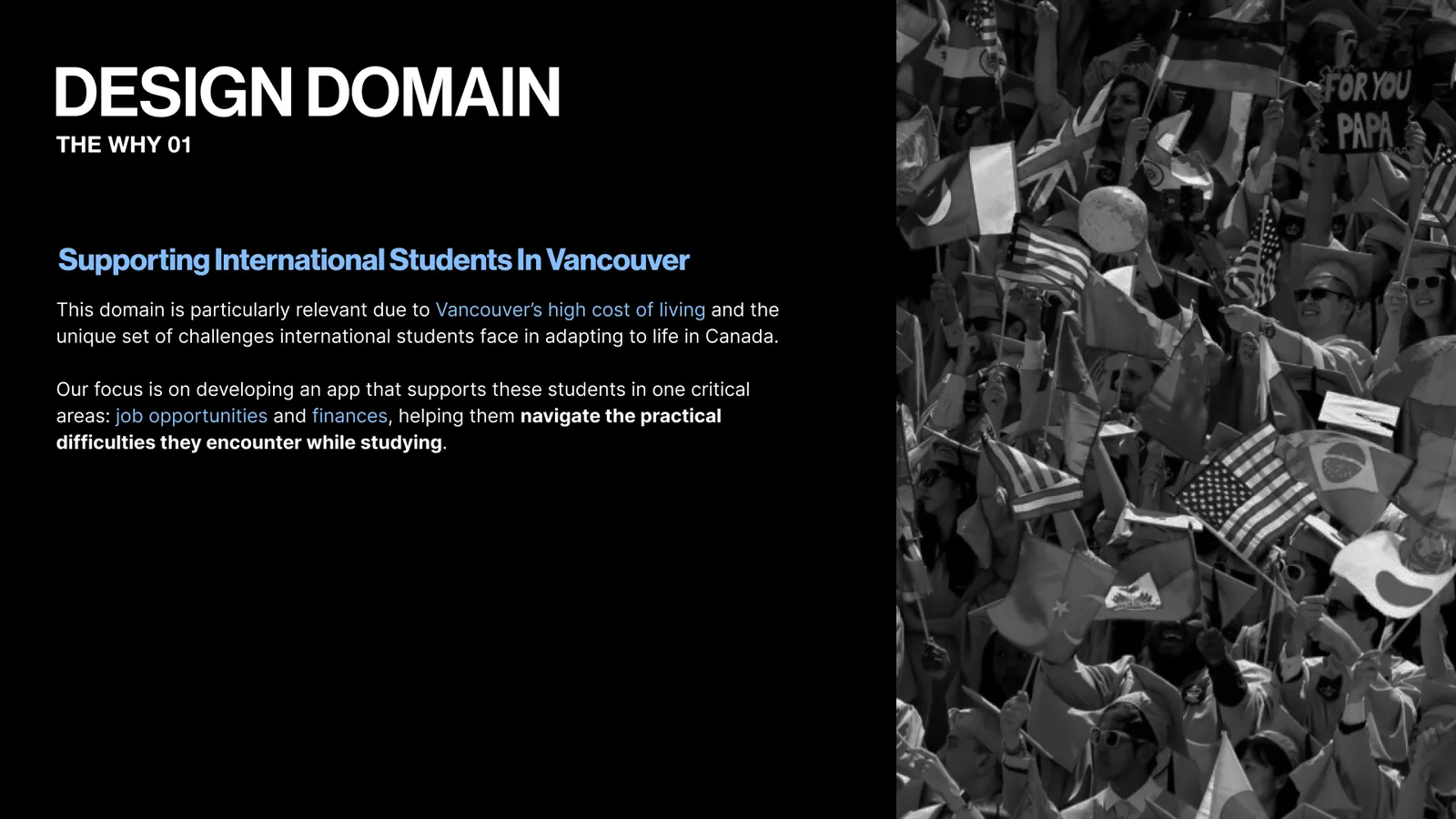
Design domain slide: supporting international students in Vancouver with jobs and finances. Beside it, a crowd of graduates waving flags from many countries.
The design domain.
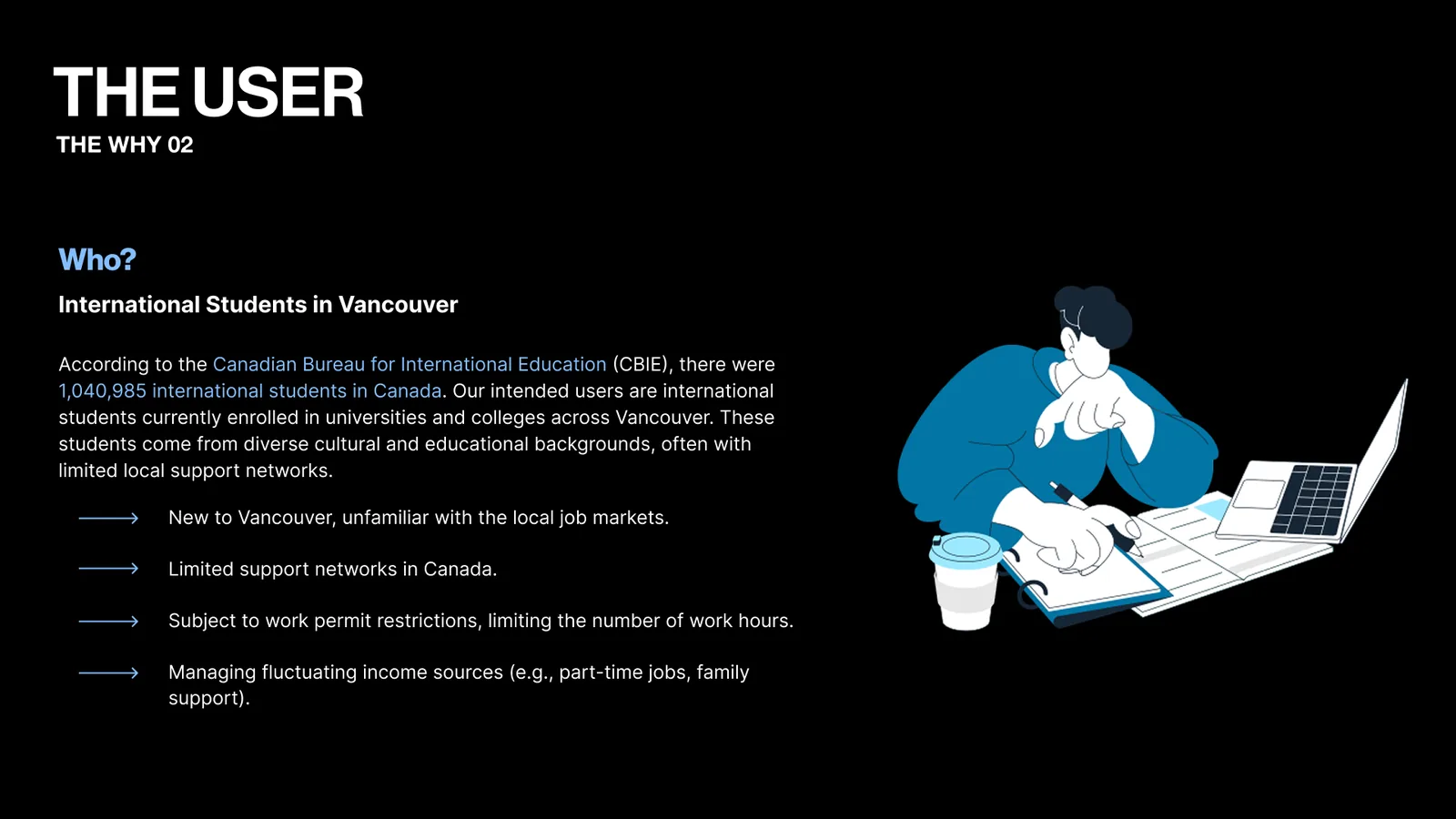
The user slide: international students in Vancouver, more than a million across Canada. They are new to the city, have little local support and face work permit limits. An illustration of a student writing notes at a laptop.
Who the users are.
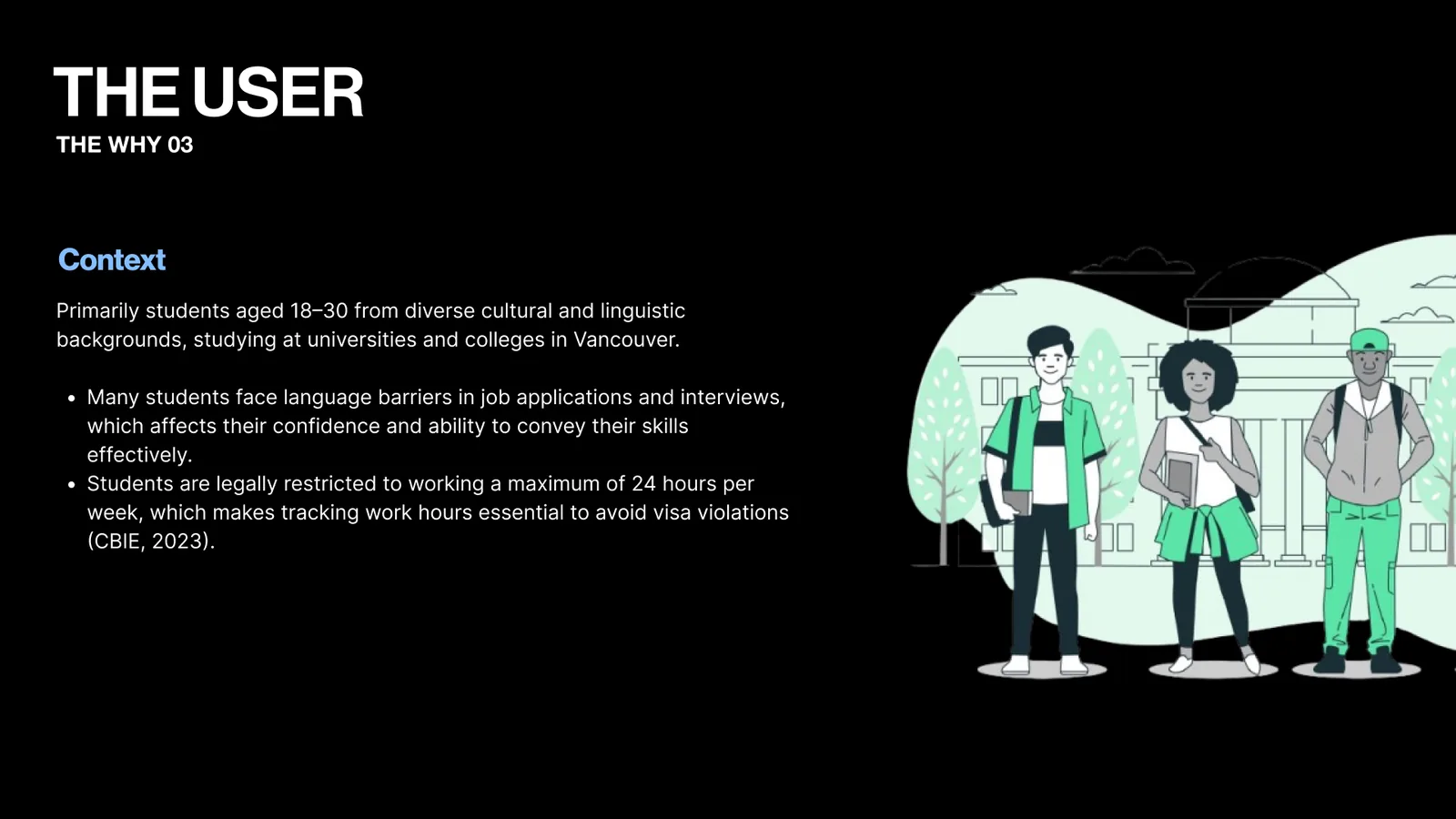
The user context slide: students aged 18 to 30 who face language barriers and a 24 hour weekly work limit. An illustration of three students outside a campus building.
Their context.
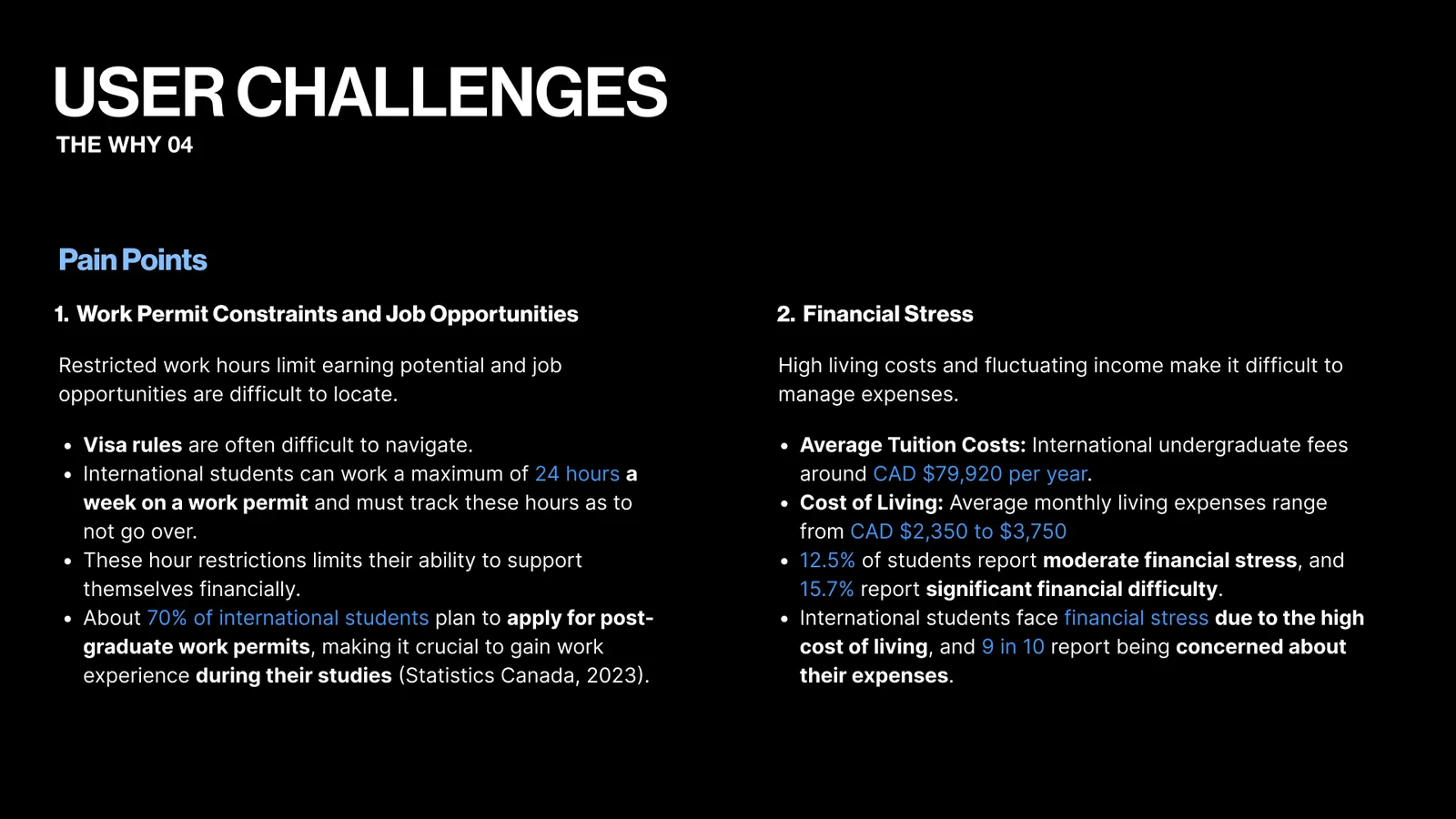
User challenges slide with two pain points. Work permit limits make jobs hard to find. Tuition near CAD 79,920 a year and high living costs cause financial stress.
Pain points.
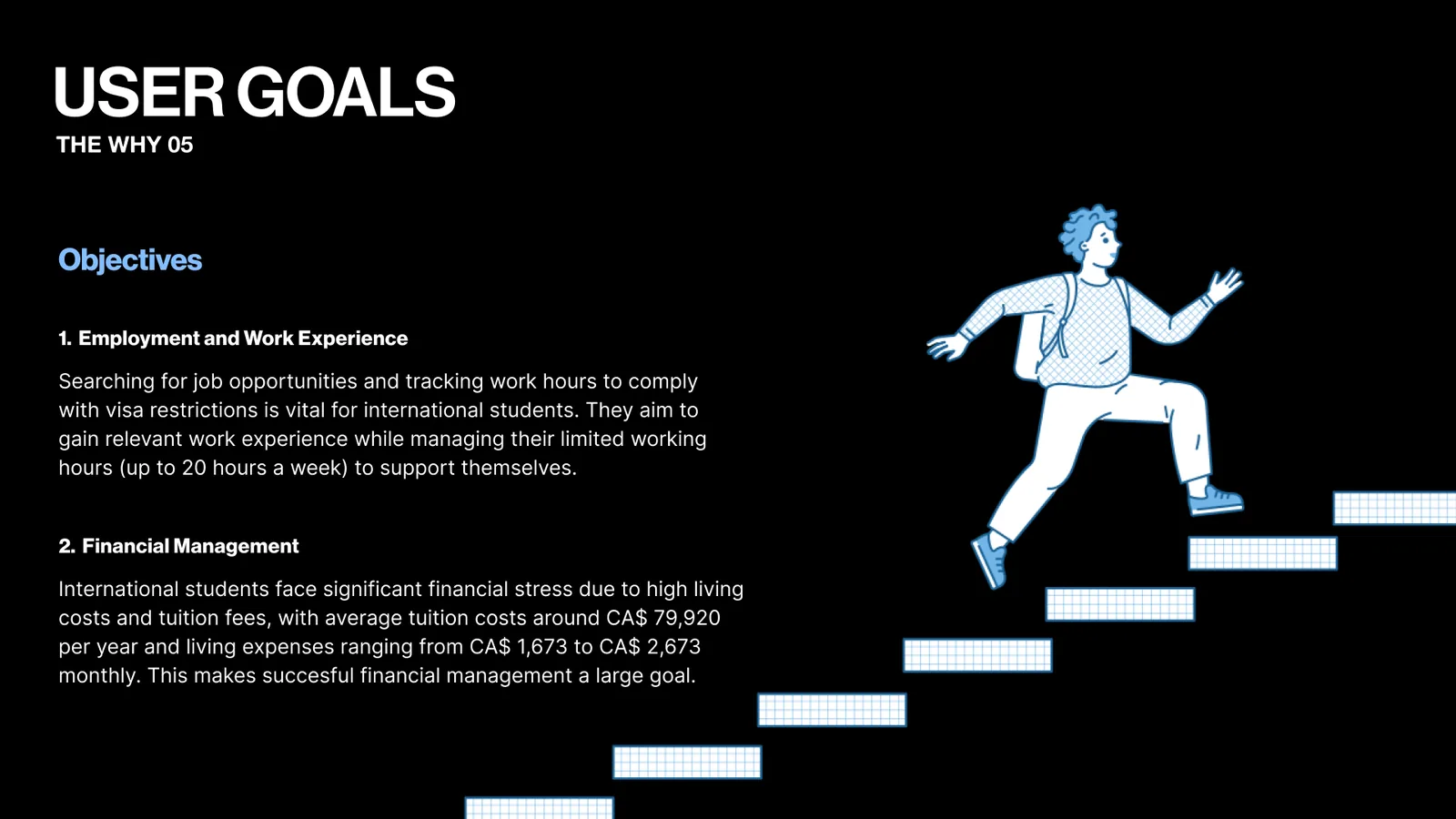
User goals slide: gain work experience within visa limits and manage money. An illustration of a student running up a flight of stairs.
User goals, part one.
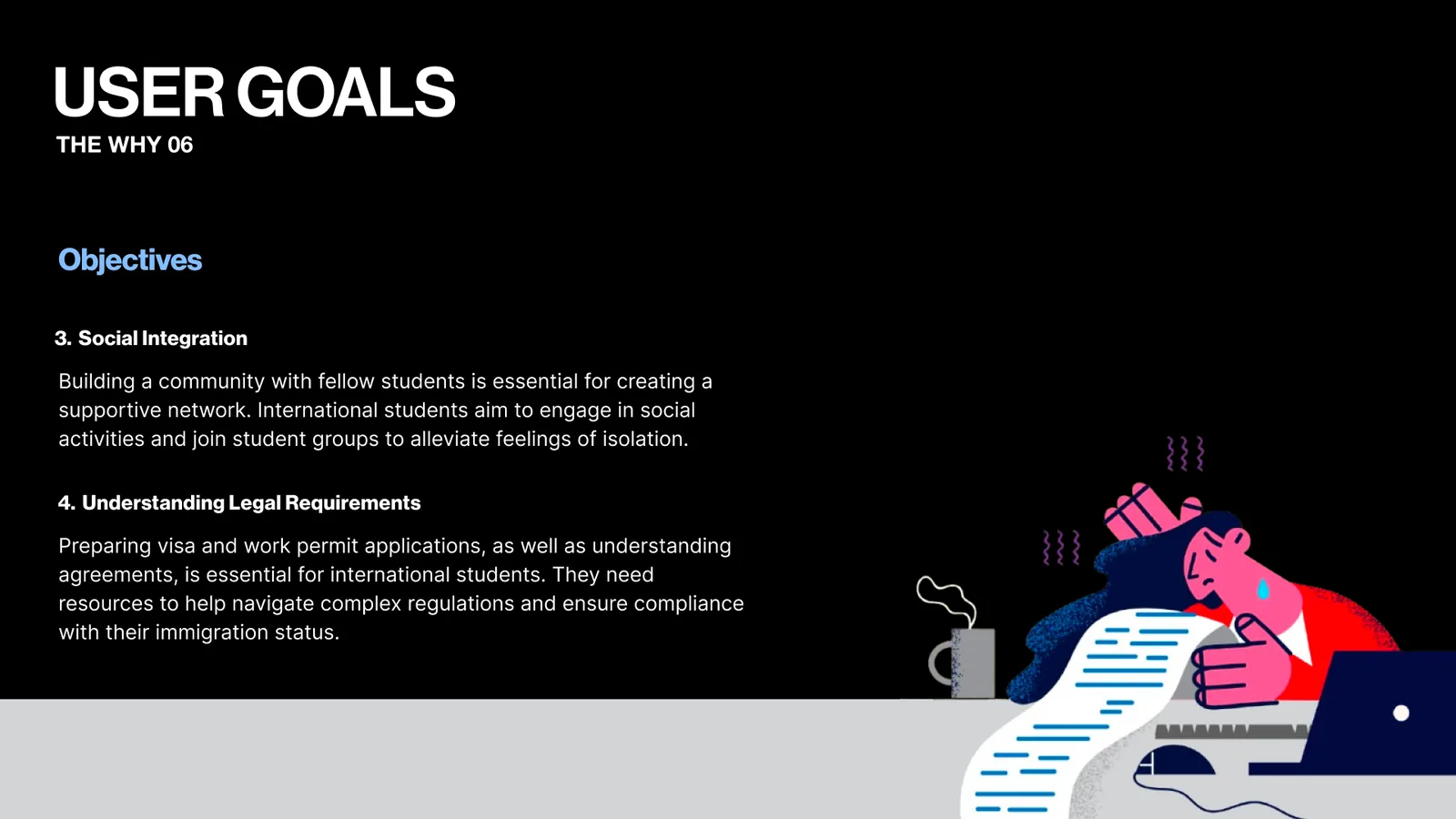
User goals slide: build a social network and understand legal requirements. An illustration of a stressed student at a desk with a long document.
User goals, part two.
Opportunities slide on where NextStep comes in. It brings job search tools, community reviews and interview help into one app. A phone shows the NextStep logo.
Where NextStep comes in.
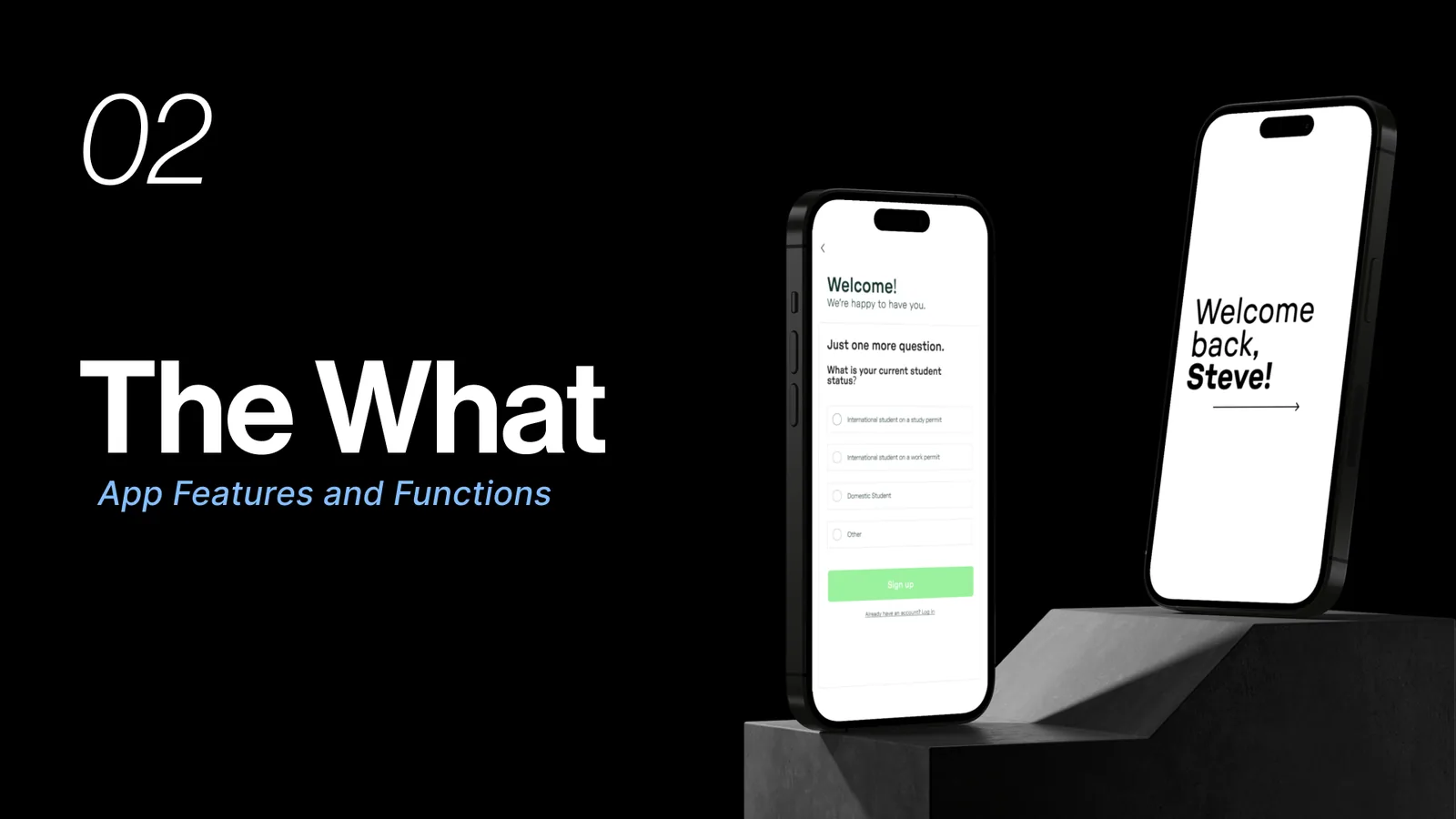
Section 02, The What: app features and functions. Two phones show a sign up question and a welcome back screen.
Part two, the what.
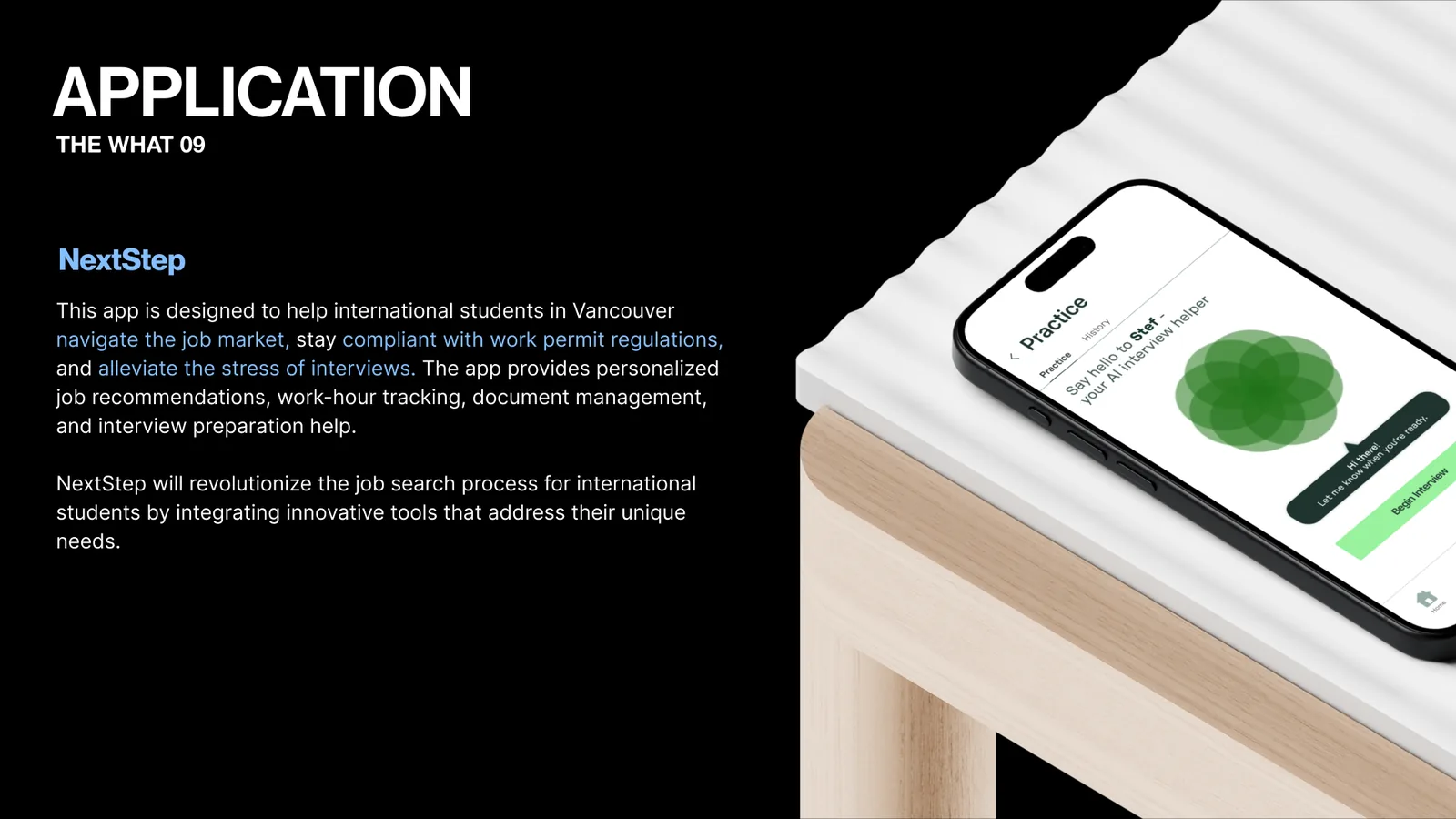
Application slide describing NextStep: job recommendations, work hour tracking, documents and interview prep for international students. A phone on a table shows Stef, the AI interview helper.
What the app does.
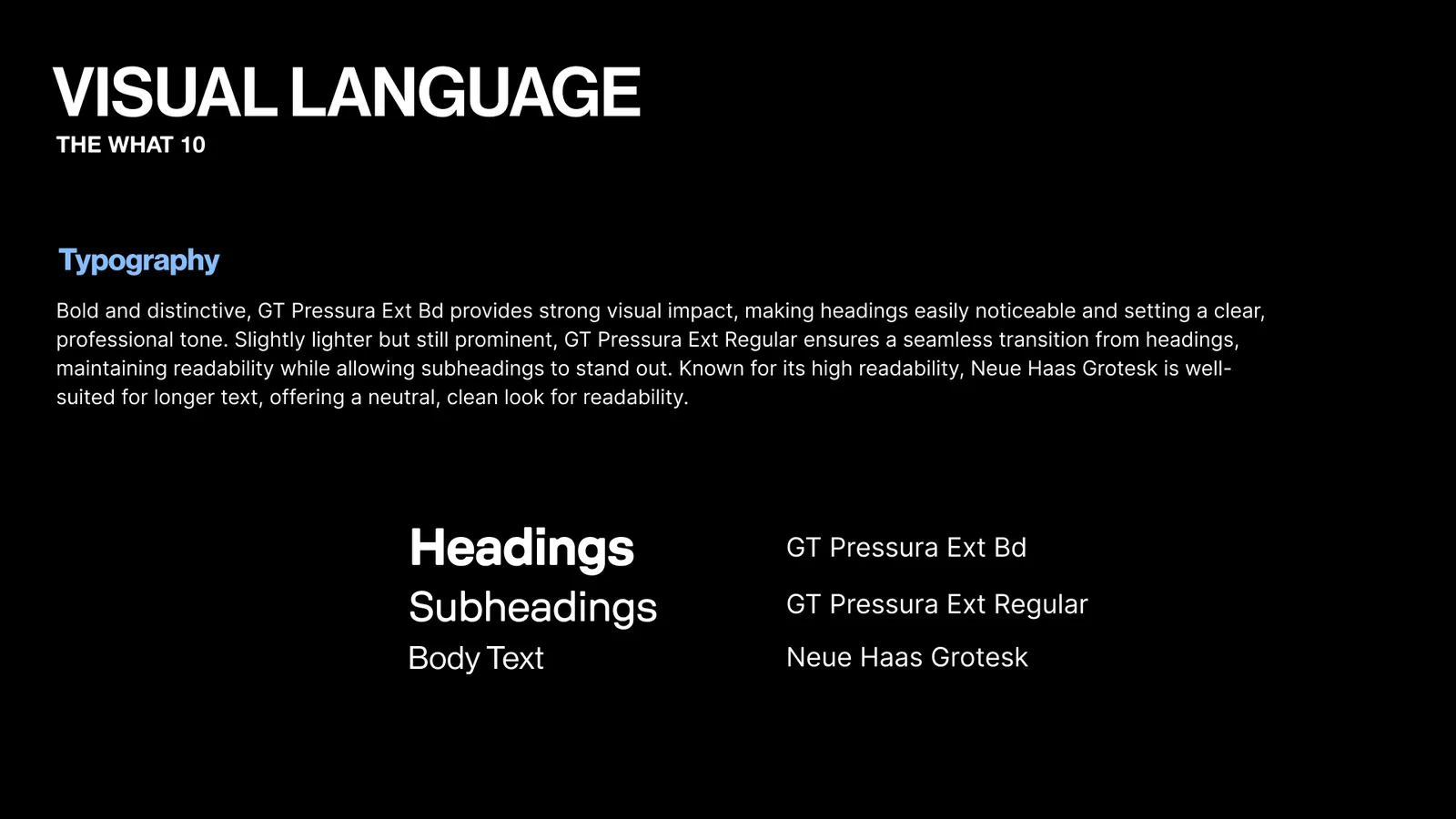
Visual language slide on typography. GT Pressura Ext Bold for headings, GT Pressura Ext Regular for subheadings and Neue Haas Grotesk for body text.
Typography.
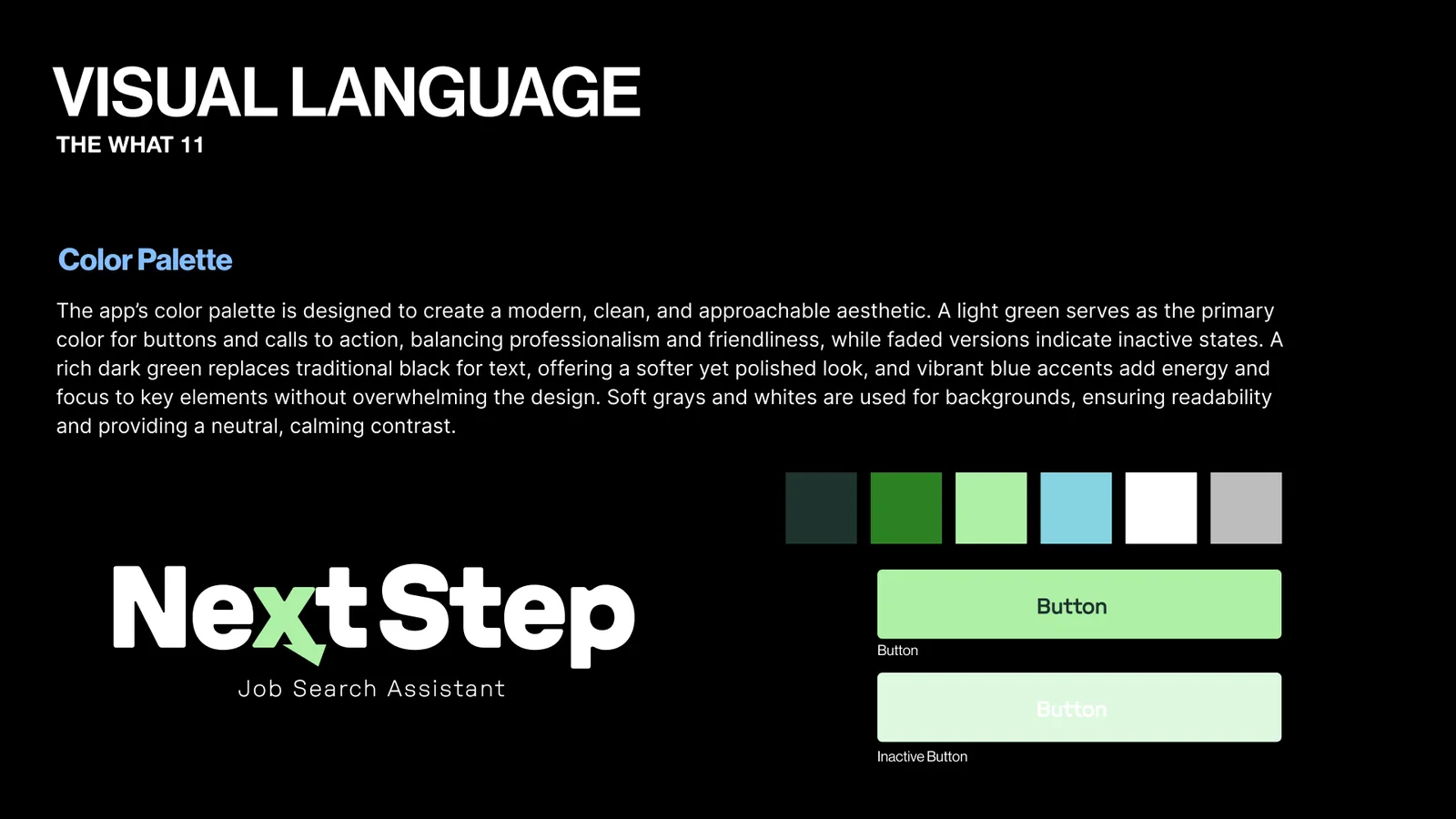
Visual language slide on colour. Dark green, green, light green, light blue, white and grey swatches, the NextStep logo, and active and inactive button styles.
The colour palette.
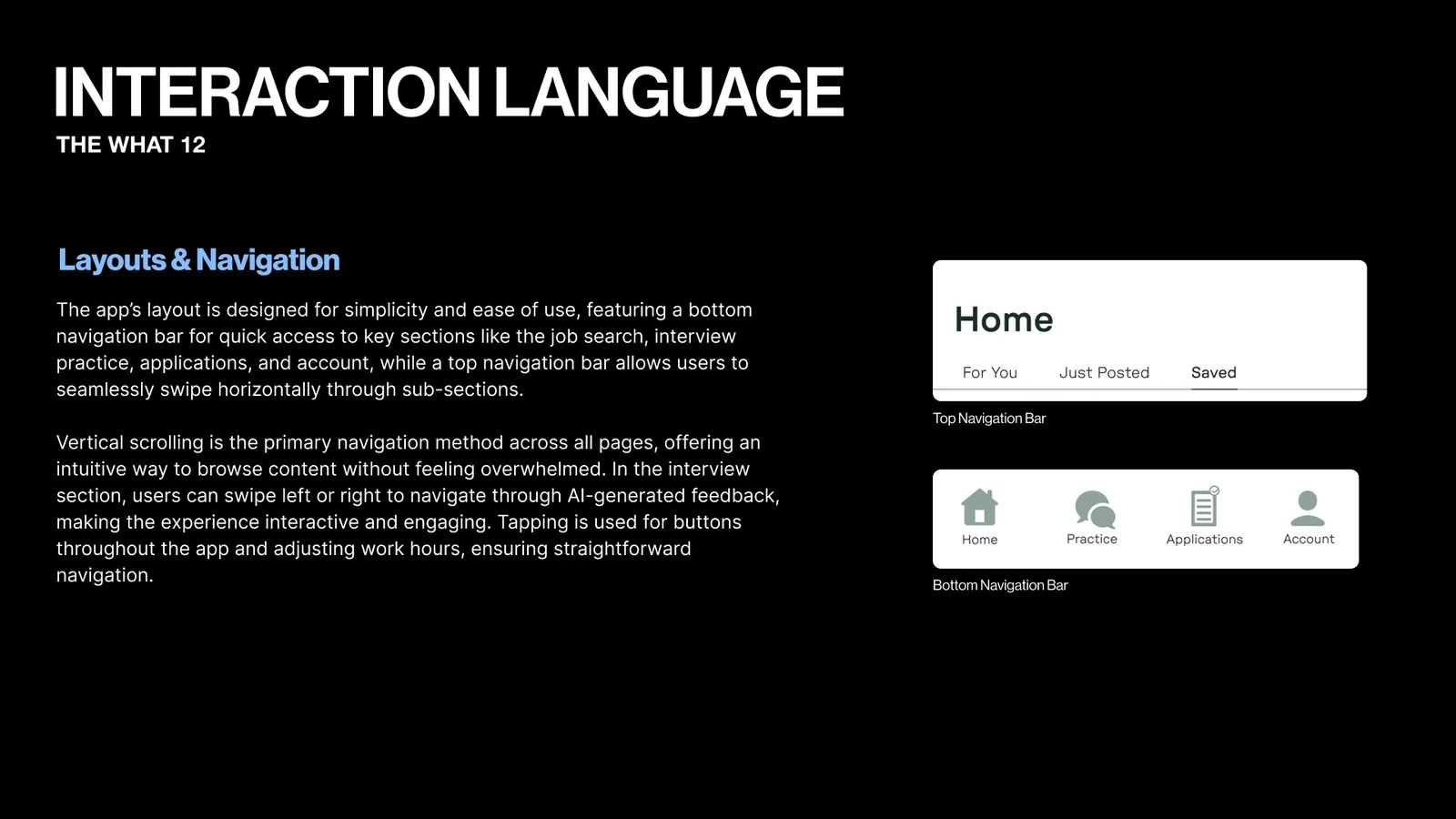
Interaction language slide on layout and navigation. It shows the top tab bar with For You, Just Posted and Saved, and the bottom bar with Home, Practice, Applications and Account.
Layout and navigation.
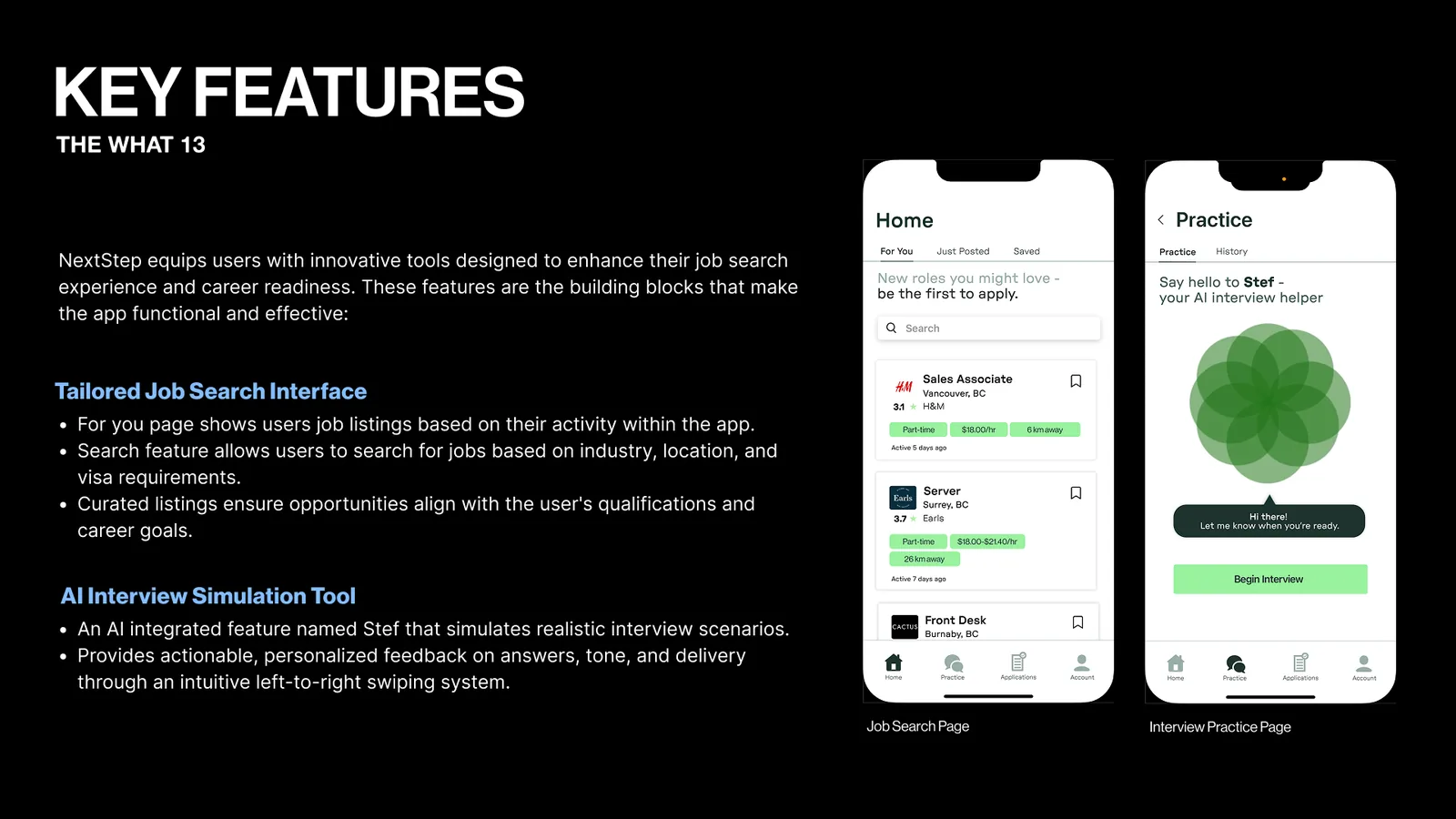
Key features slide on the tailored job search and the AI interview tool. Two phones show the Home job list and the Practice screen with Stef.
Job search and interview practice.
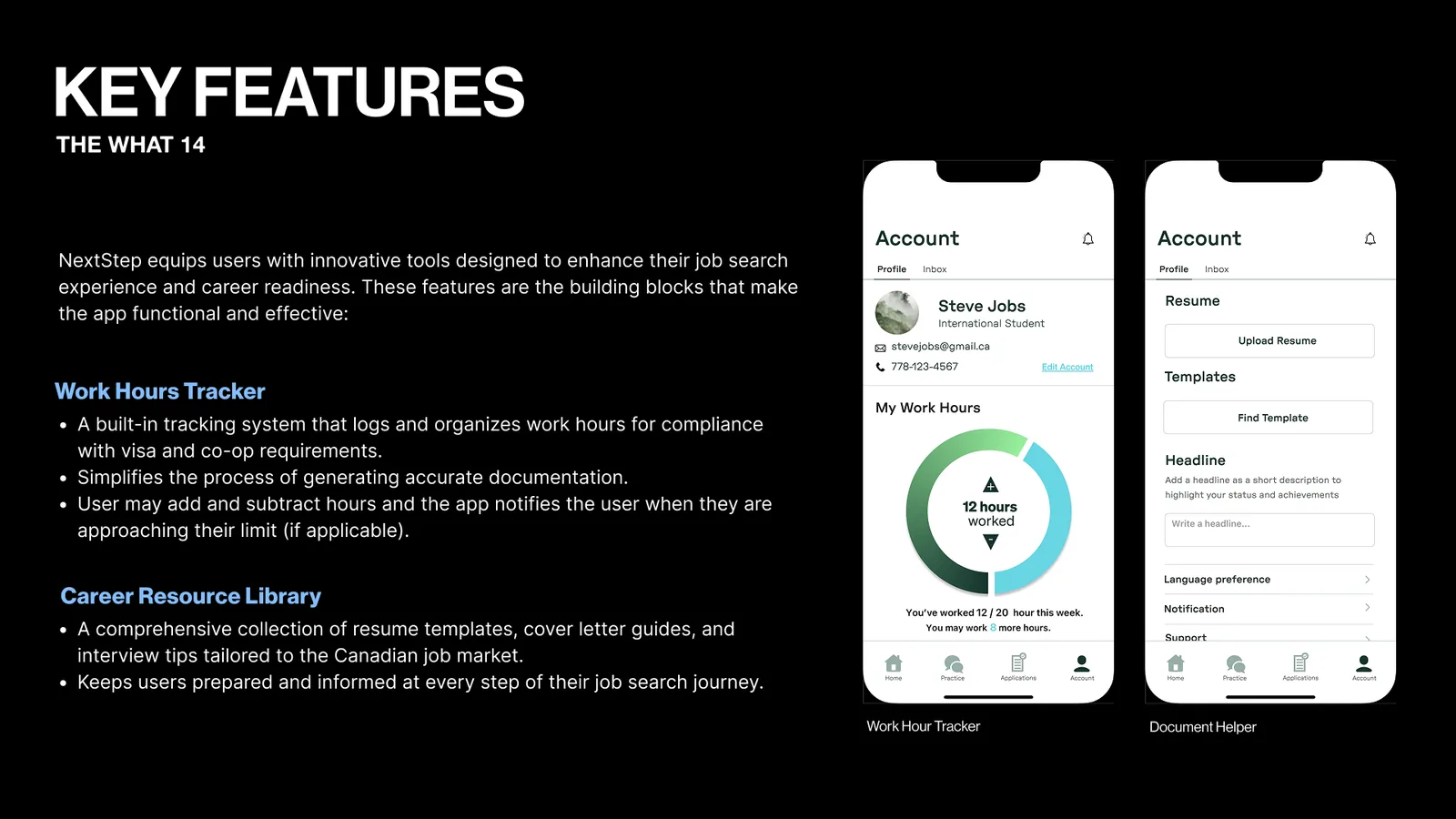
Key features slide on the work hours tracker and the career resource library. Two phones show 12 of 20 hours logged and the document helper.
The hours tracker and resources.
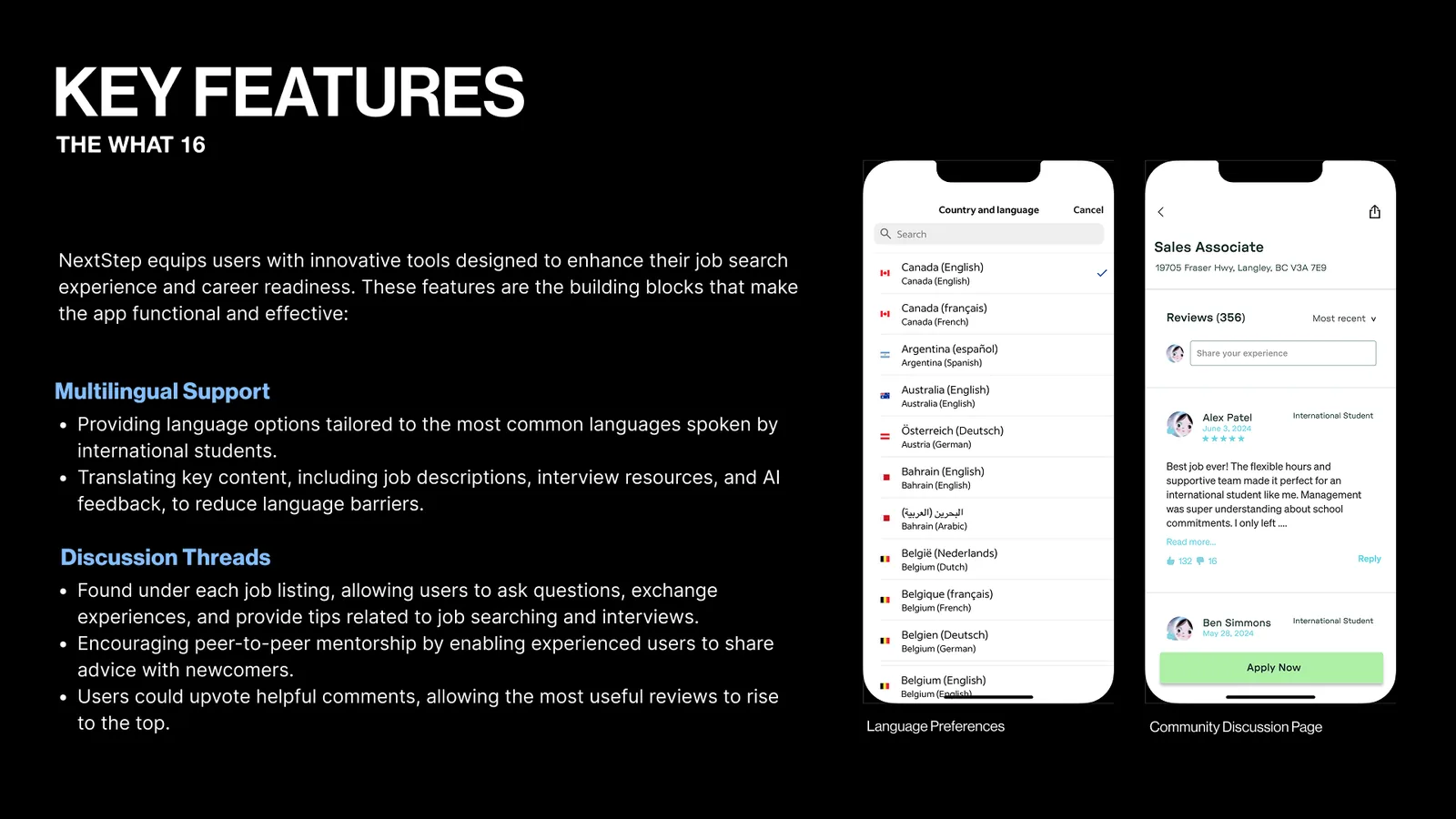
Key features slide on multilingual support and discussion threads. Two phones show a country and language list and the reviews on a job.
Languages and discussion.
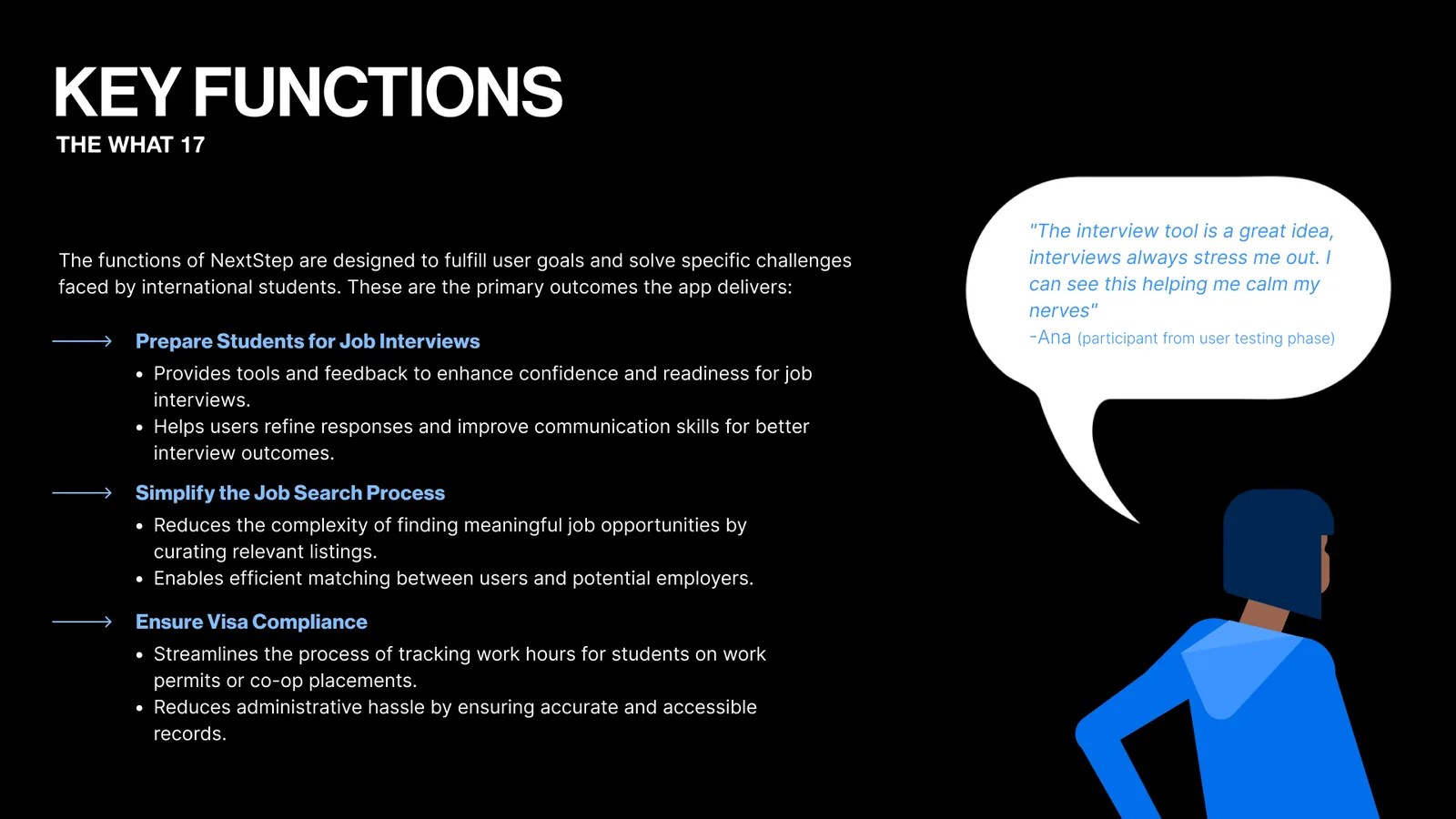
Key functions slide: prepare students for interviews, simplify the job search and keep them within their visa. A quote from a test participant says the interview tool would calm her nerves.
Key functions.
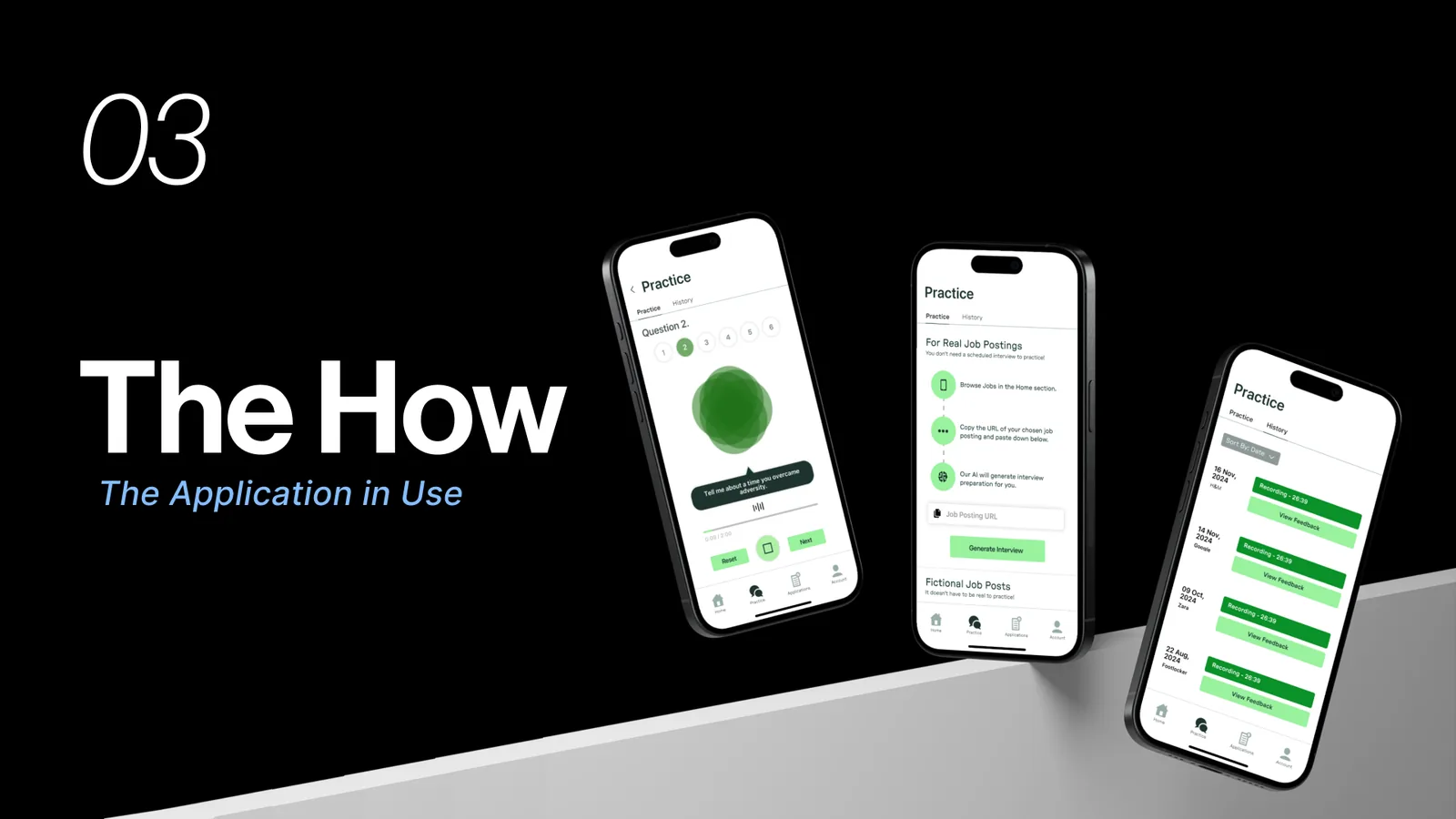
Section 03, The How: the application in use. Three phones show the interview practice screens.
Part three, the how.
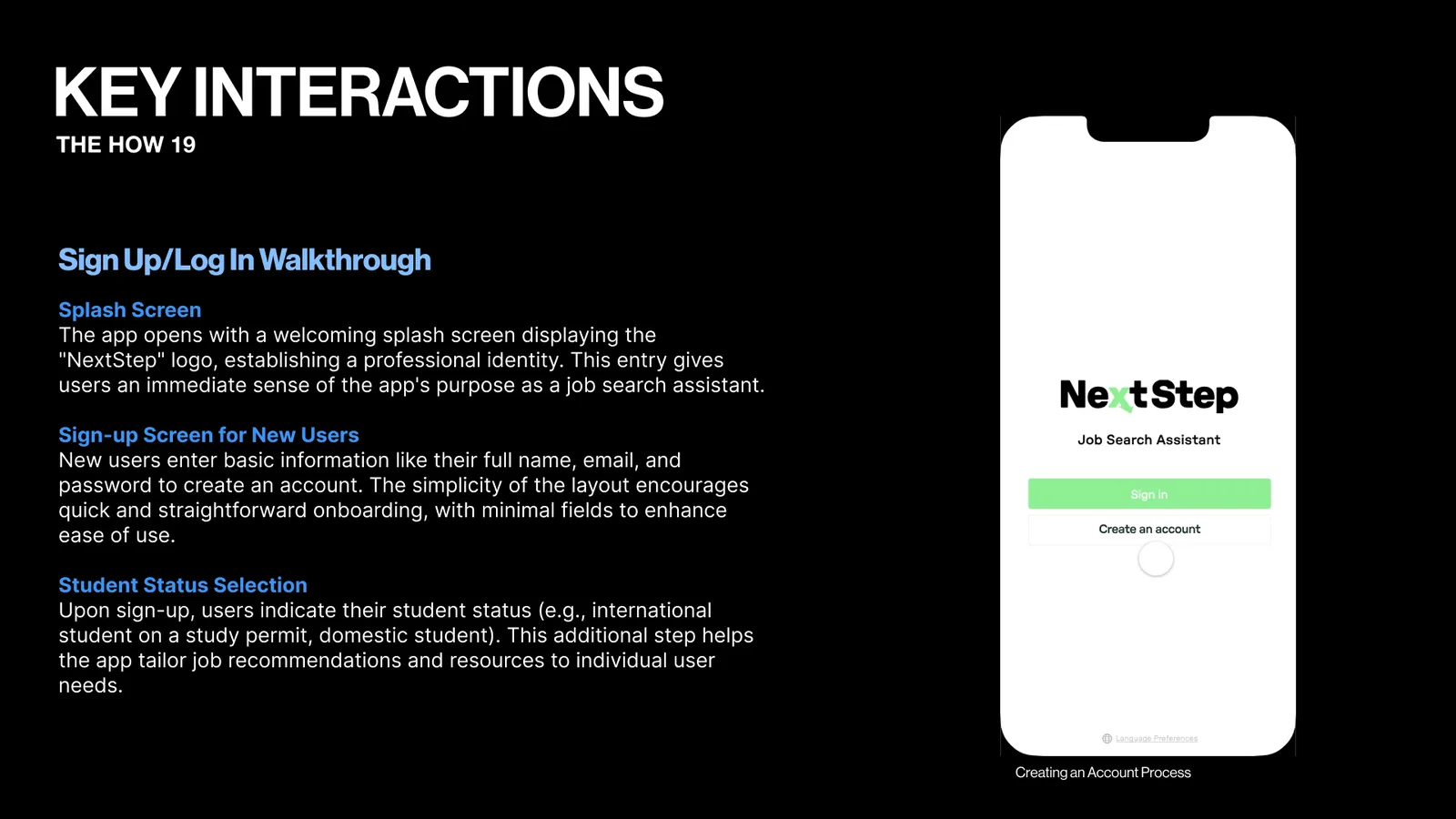
Key interactions slide walking through sign up and log in: the splash screen, sign up and choosing a student status. A phone shows the NextStep start screen.
Sign up and log in.
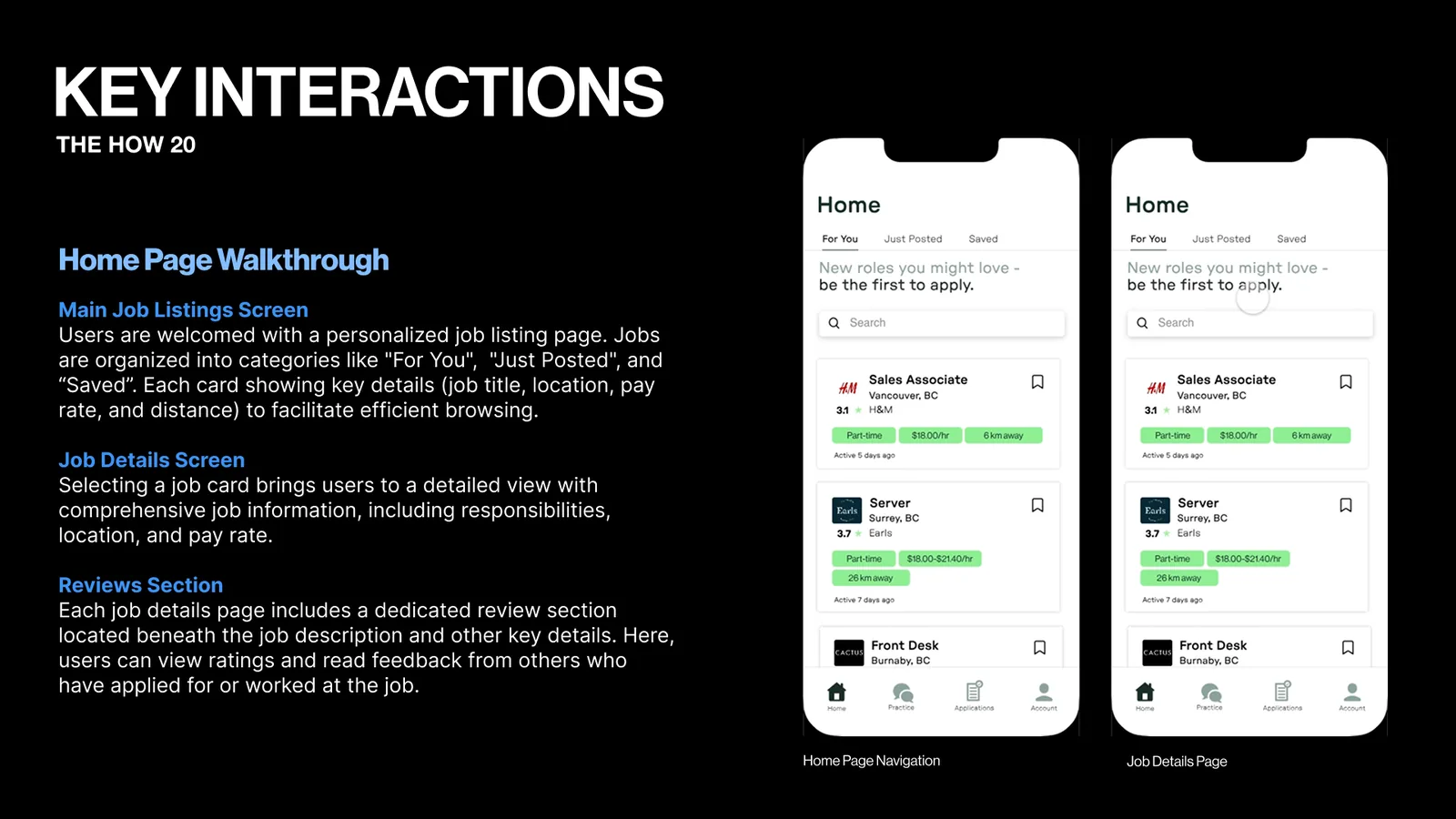
Key interactions slide walking through the home page: job listings, job details and reviews. Two phones show the job list.
The home page.
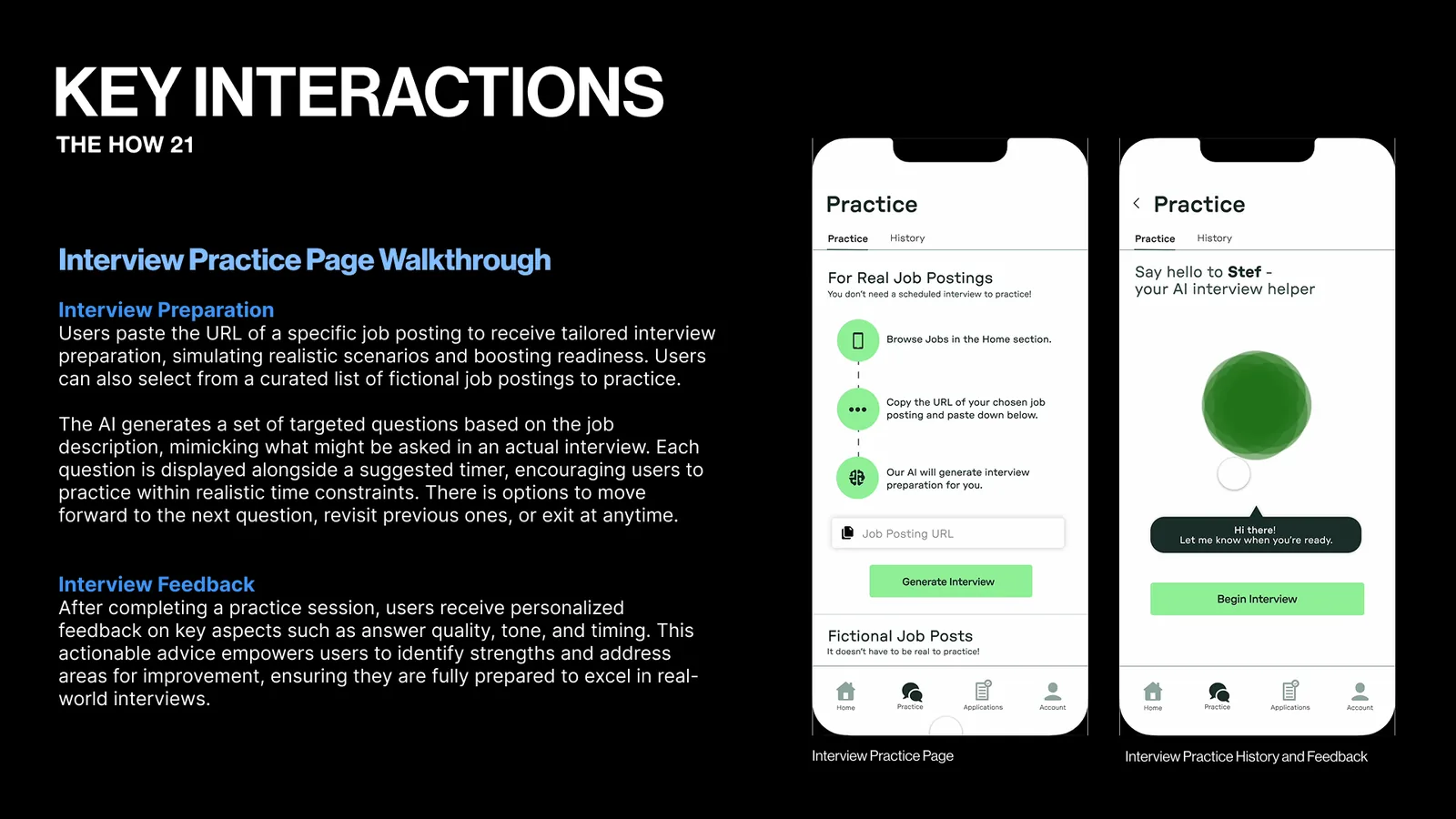
Key interactions slide walking through interview practice: preparing from a real job posting, then getting feedback. Two phones show the Practice screens.
Interview practice.
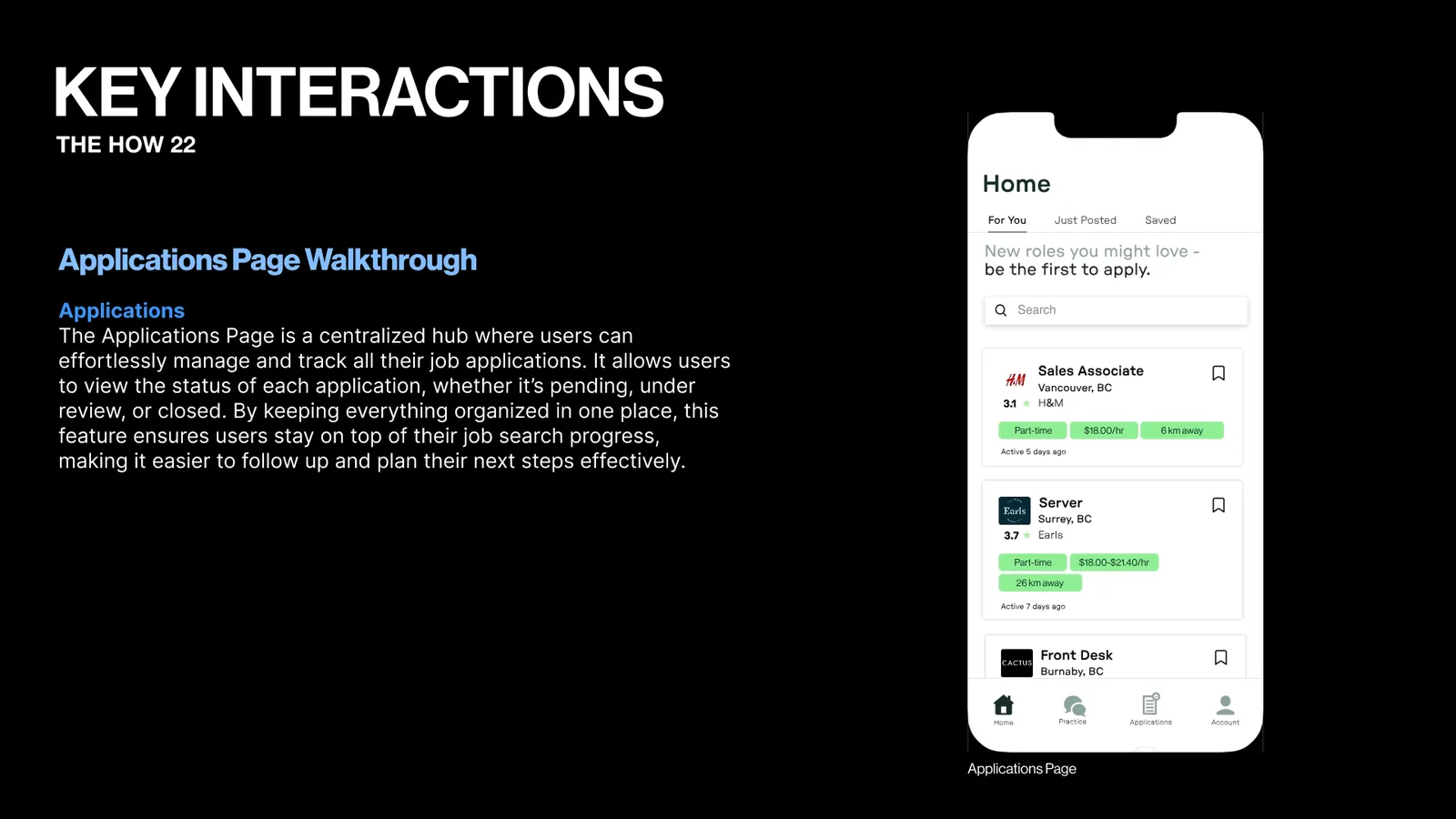
Key interactions slide on the Applications page, where users track each job they applied to. A phone shows the job list.
Applications.
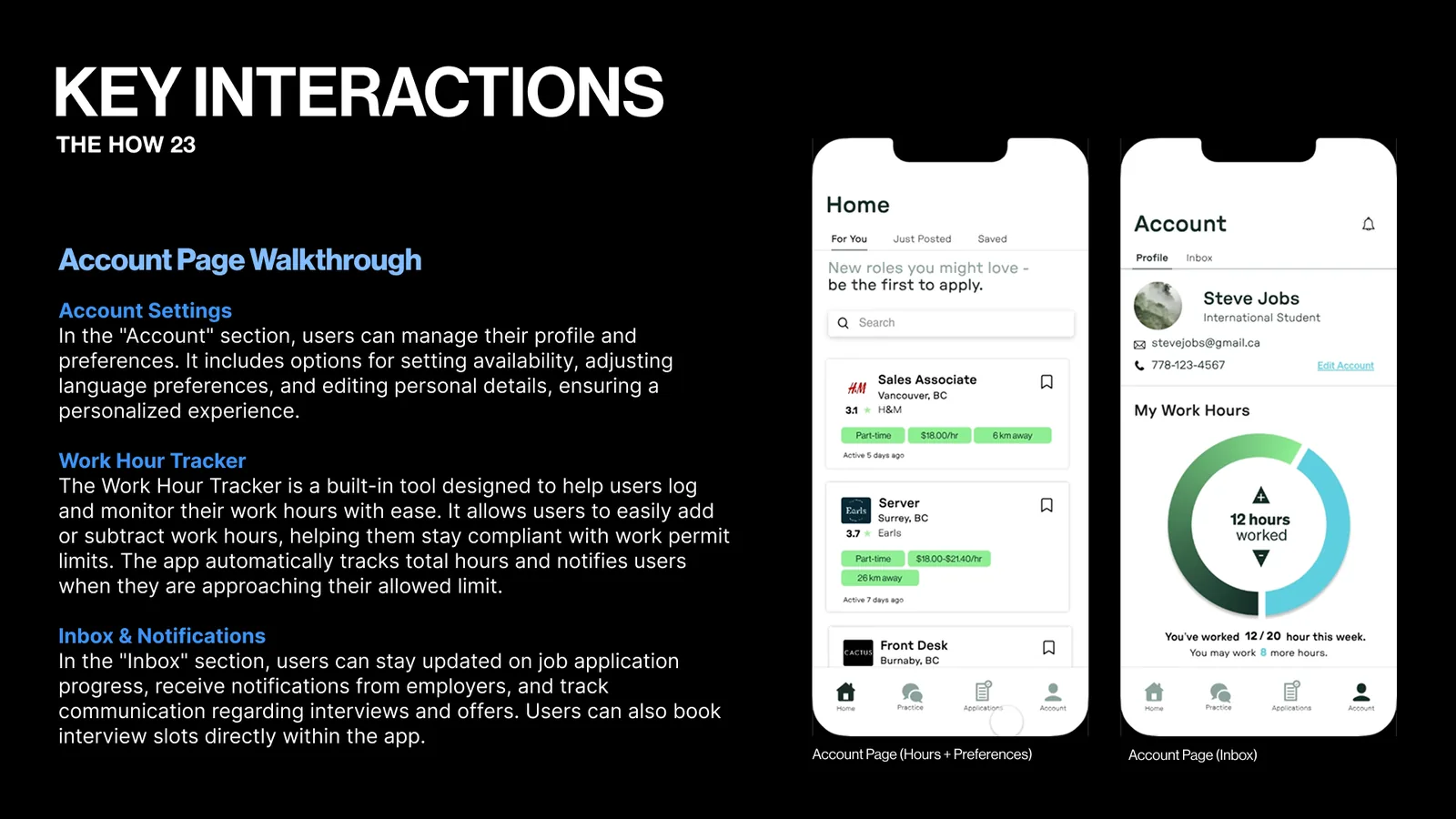
Key interactions slide on the Account page: settings, the work hour tracker and the inbox. Two phones show the Home and Account screens.
The account and hours.
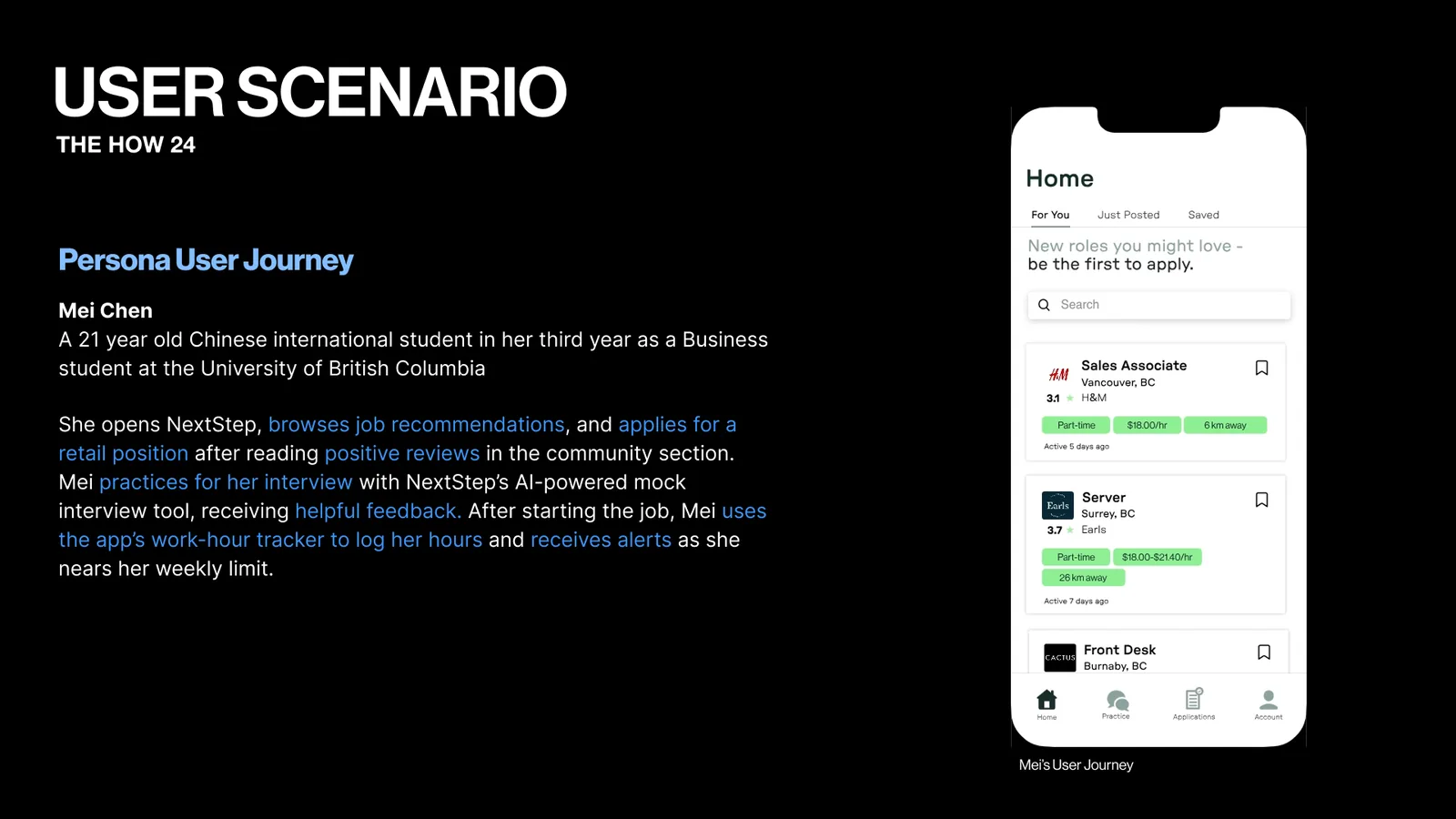
User scenario slide about Mei Chen, a 21 year old international student at UBC. She finds a retail job, practices her interview and tracks her hours in NextStep.
A user's journey.
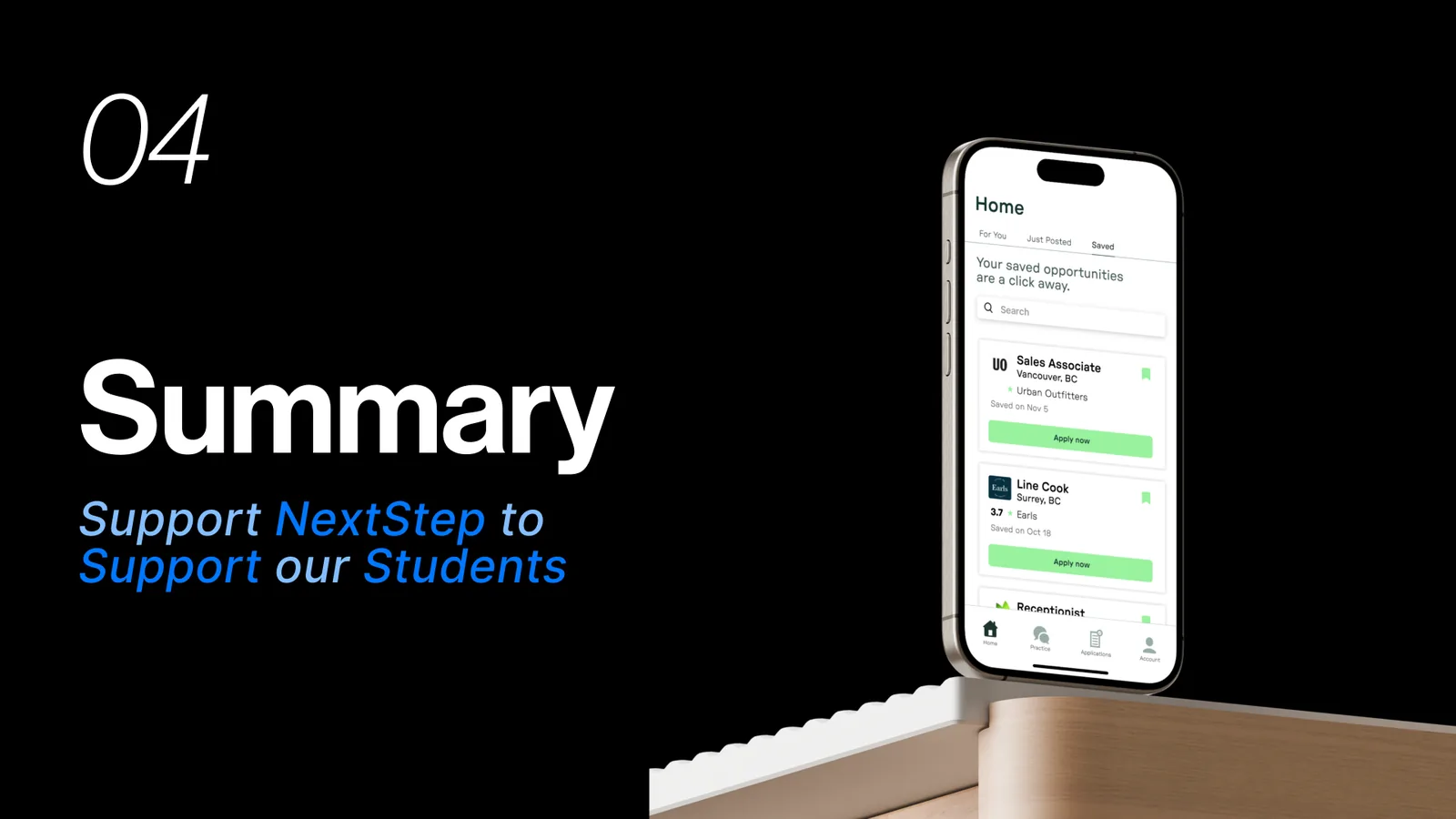
Section 04, Summary: support NextStep to support our students. A phone shows a list of saved jobs.
Part four, the summary.
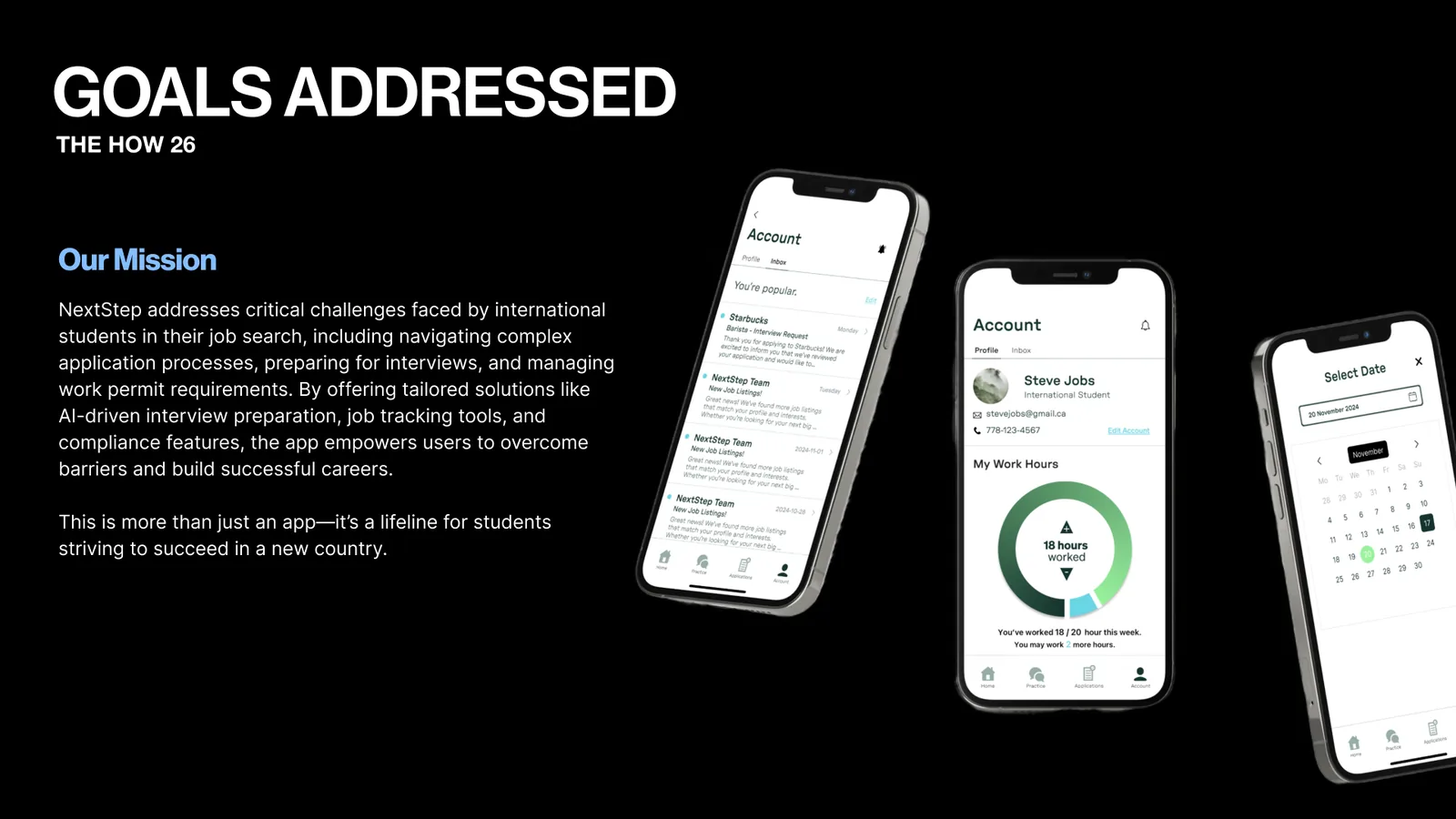
Goals addressed slide with our mission: help international students with applications, interviews and work permits. Three phones show the inbox, the hours tracker and a date picker.
Goals addressed.
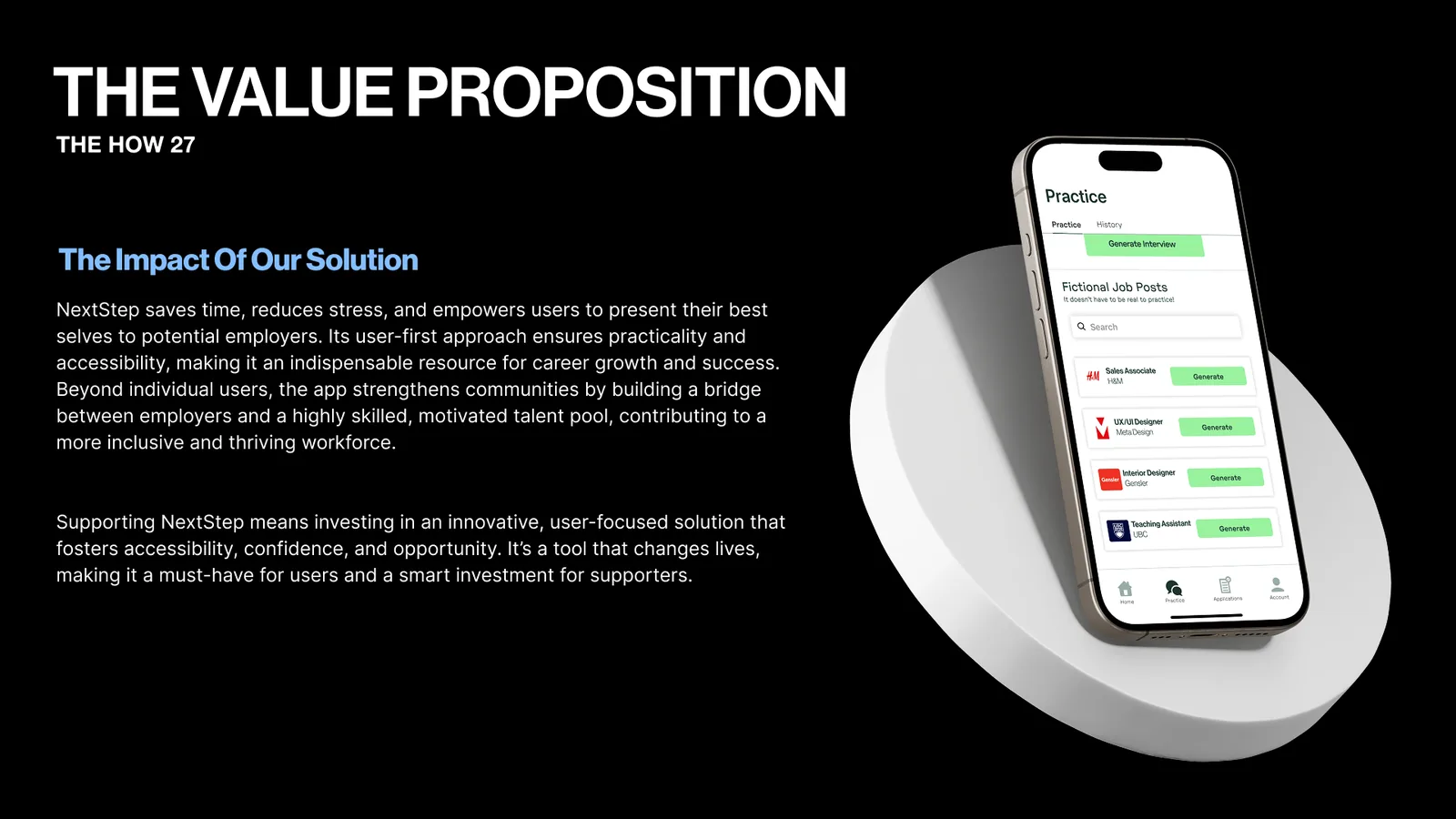
Value proposition slide on the impact of NextStep: less time, less stress and more confidence. A phone shows fictional job posts to practice with.
The value.
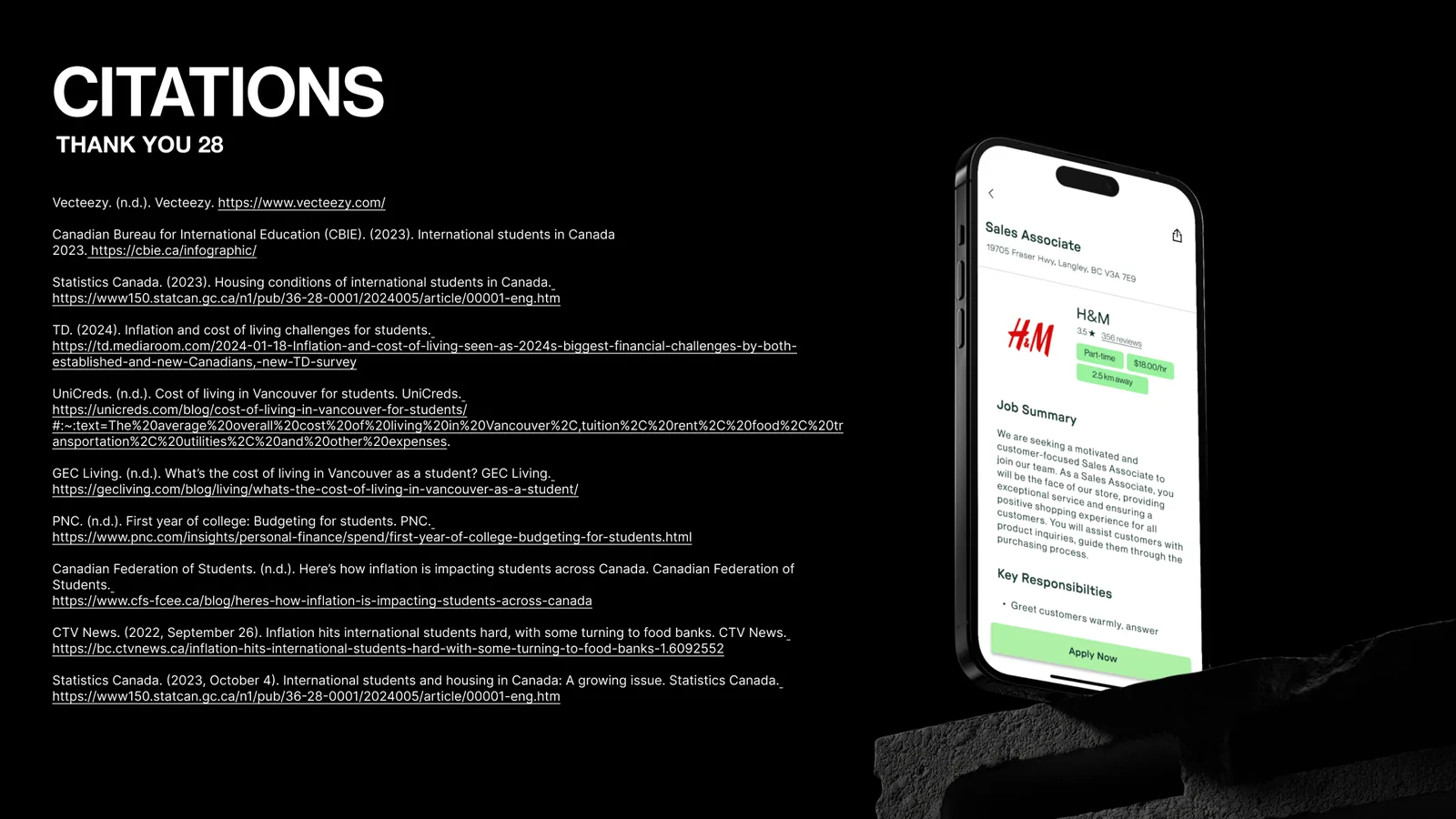
Citations slide listing our sources, including CBIE, Statistics Canada and TD. A phone shows an H&M job posting.
Sources.

Reflection

The prototype was tested with users, and we refined it based on their feedback. The updated version improved clarity and better supported users through the interview prep process. This project helped me improve my design thinking and understand how small changes in layout, clarity, and guidance can make a big impact on usability.

Let's Build Together!

Let's collaborate on creating unique designs and functional websites. Reach out to discuss how I can contribute to your team and help bring your ideas to life.

Let's Connect