Work Project · LintelAI
Marketing Website
Overview
LintelAI is a Vancouver startup building an AI platform for property management. The founders needed a marketing website to introduce what LintelAI is and what it offers. As the company's designer and frontend developer, I designed it from scratch in Figma and built it myself.
The Challenge
LintelAI's product runs on complex AI, but its users are landlords and tenants who aren't technical. The site needed to feel simple, trustworthy, and premium, and the startup needed it fast.
Research and Moodboard
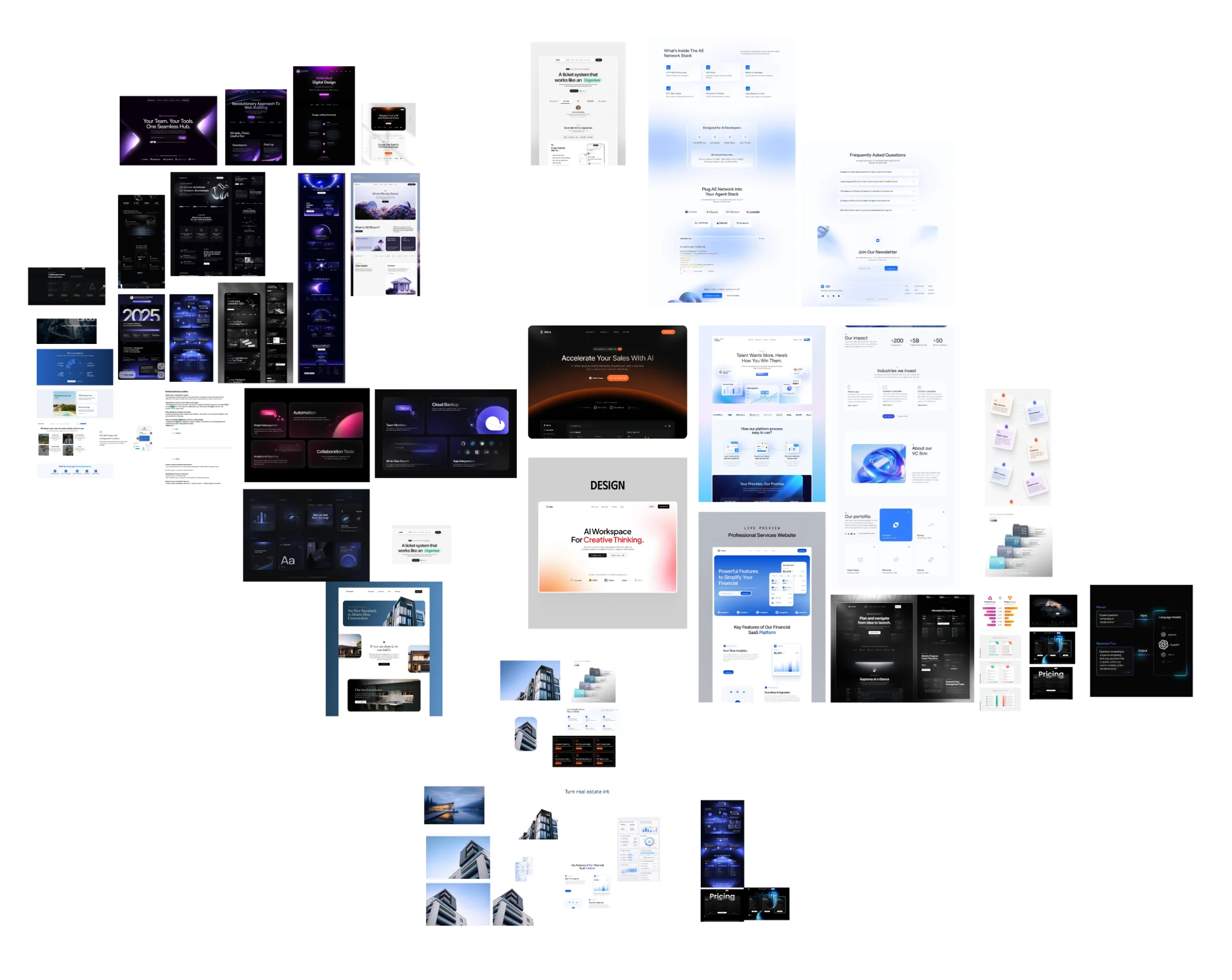
I pulled references from brands like Ferrari and Apple for their bold imagery, generous spacing, and motion that guides you through the story.
Components
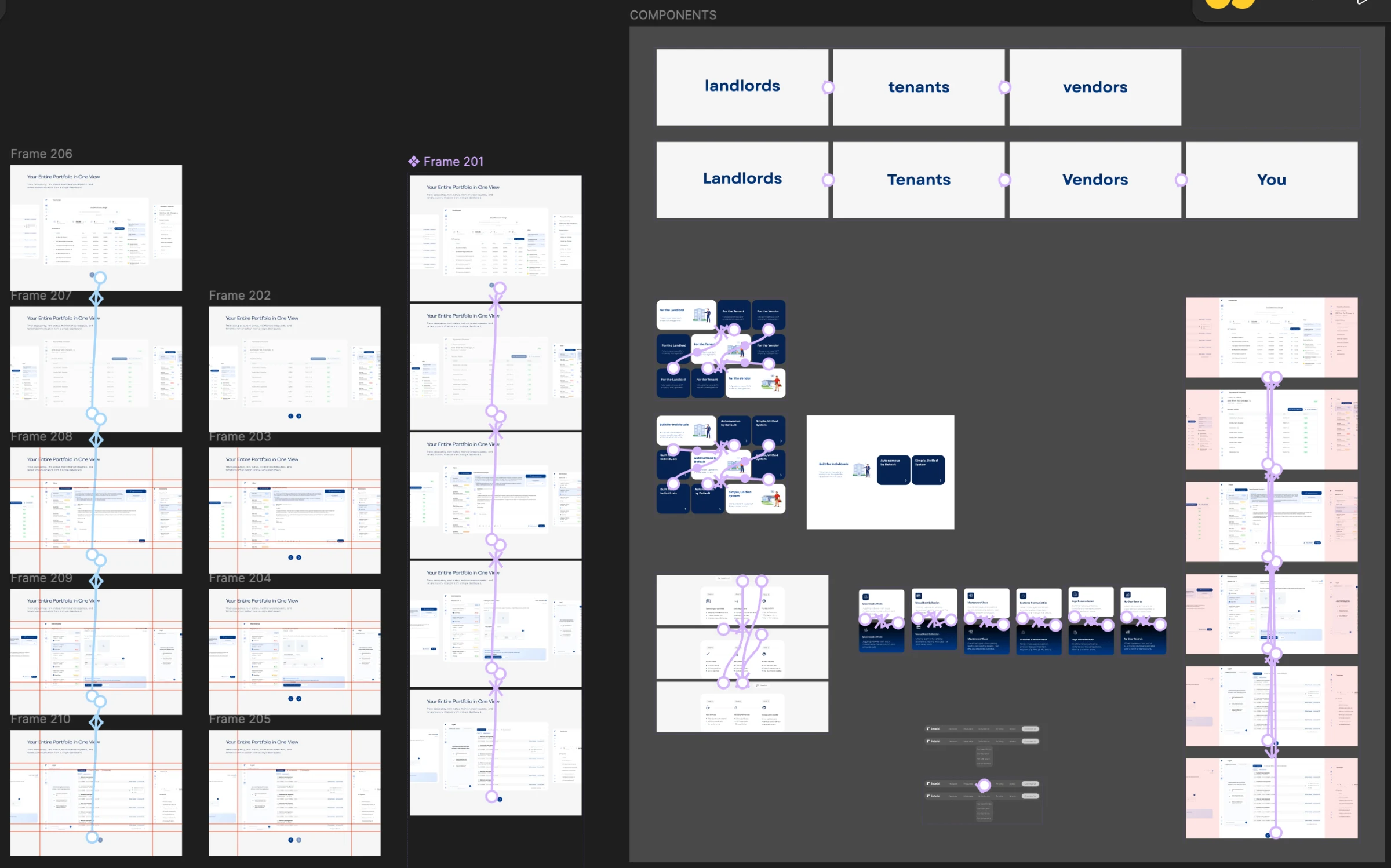
I built reusable components to keep the design consistent across every section.
Iterations
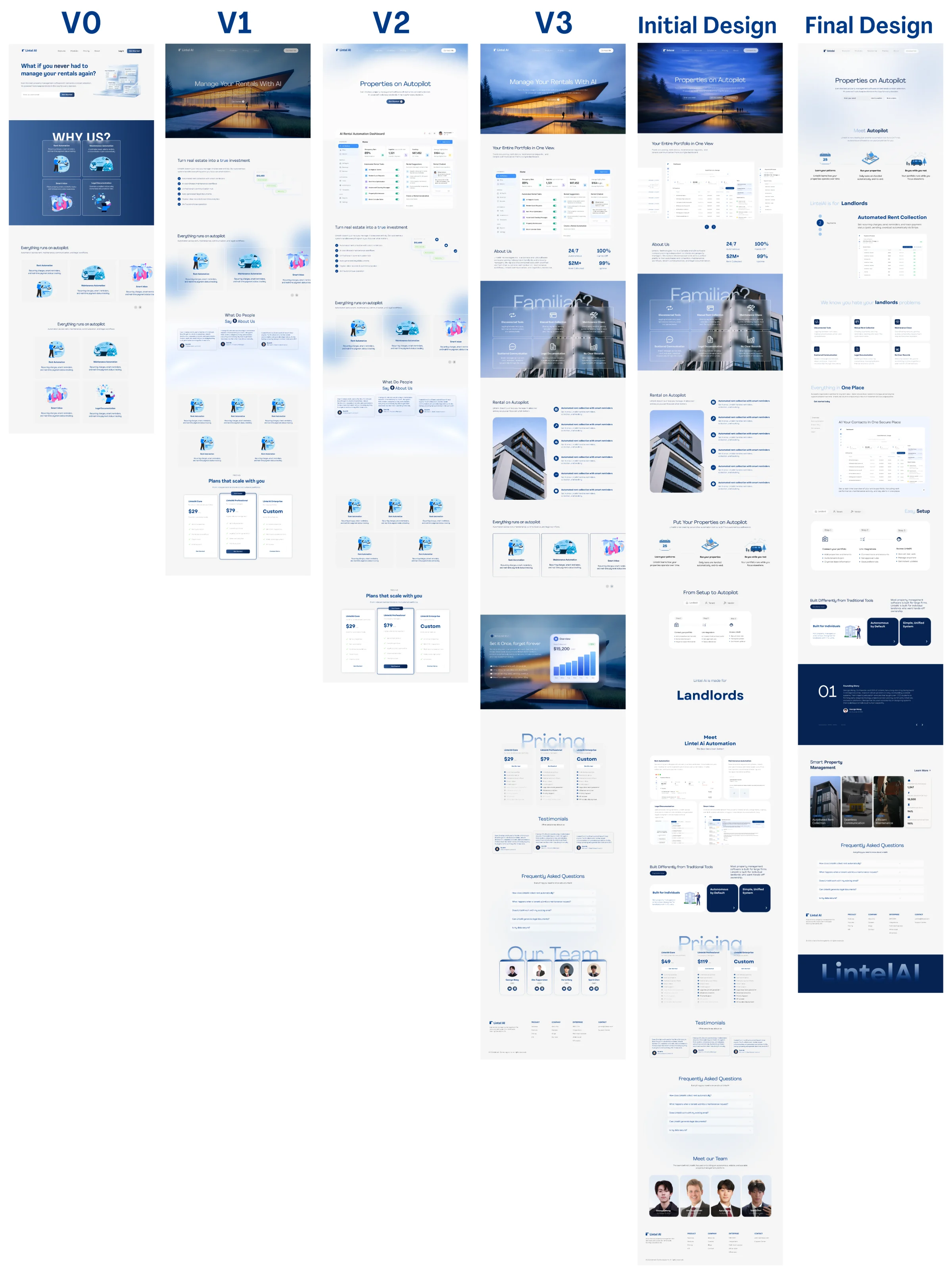
I explored several directions from V0 to V3 before delivering the first version.
-
Figma Prototype
-
First Release (7 days)
-
Final (after feedback)
I designed the first version in Figma, built it in 7 days, then refined it over the following months through founder feedback.
Final Design
The final design is clean and confident, with clear sections that explain the product step by step.
Interactions
I built the site with plain CSS and vanilla JavaScript, using Lottie for a few vector animations. JavaScript decides when things happen, and CSS handles the movement.
01
Hero
The headline types out letter by letter, then the content fades in. A blue gradient moves inside the headline text, two columns of dashboard screens scroll in opposite directions, and a cursor spotlight reveals the image underneath.
02
Navigation
The nav hides when you scroll down and returns when you scroll up. It changes style once you pass the hero, and on mobile it opens a full screen menu.
03
Scroll Driven Stepper
The section stays in place while scrolling moves through four steps, swapping the text and images. A dropdown switches between Landlords, Tenants, and Vendors.
04
Cursor Origin Hover
Cards fade up as you scroll. On hover, a dark fill grows out from the exact spot where your cursor entered.
05
Scroll and Click Tabs
Scrolling moves through the Overview, Rent, Inbox, Maintenance, and Legal tabs, with each panel fading in one piece at a time. You can also click any tab to jump straight to it.
06
More Interactions
A sliding tab indicator, expanding cards, a story style founding section with wipe transitions and auto progress bars, an FAQ accordion, a sticky footer reveal, and a floating Book a Demo button that moves aside so it never covers content.
Technical Challenge
I kept animations in CSS and used JavaScript only to trigger them, which kept the site smooth and lightweight. I also fixed iOS Safari layout and input issues so it worked on every device.
Outcome
The founders loved the site and used it as they launched LintelAI. After launch I kept improving performance and mobile behavior. The live site has since been updated by the team, so this shows my original work.
Founder quote goes here.
What I Learned
A short timeline taught me to lock the structure early and spend iteration time on what matters most. Designing and building it myself meant I designed with the build in mind from the start.