Academic Project · Consistency
Habit Tracking App

Build Habits That Last.
Overview
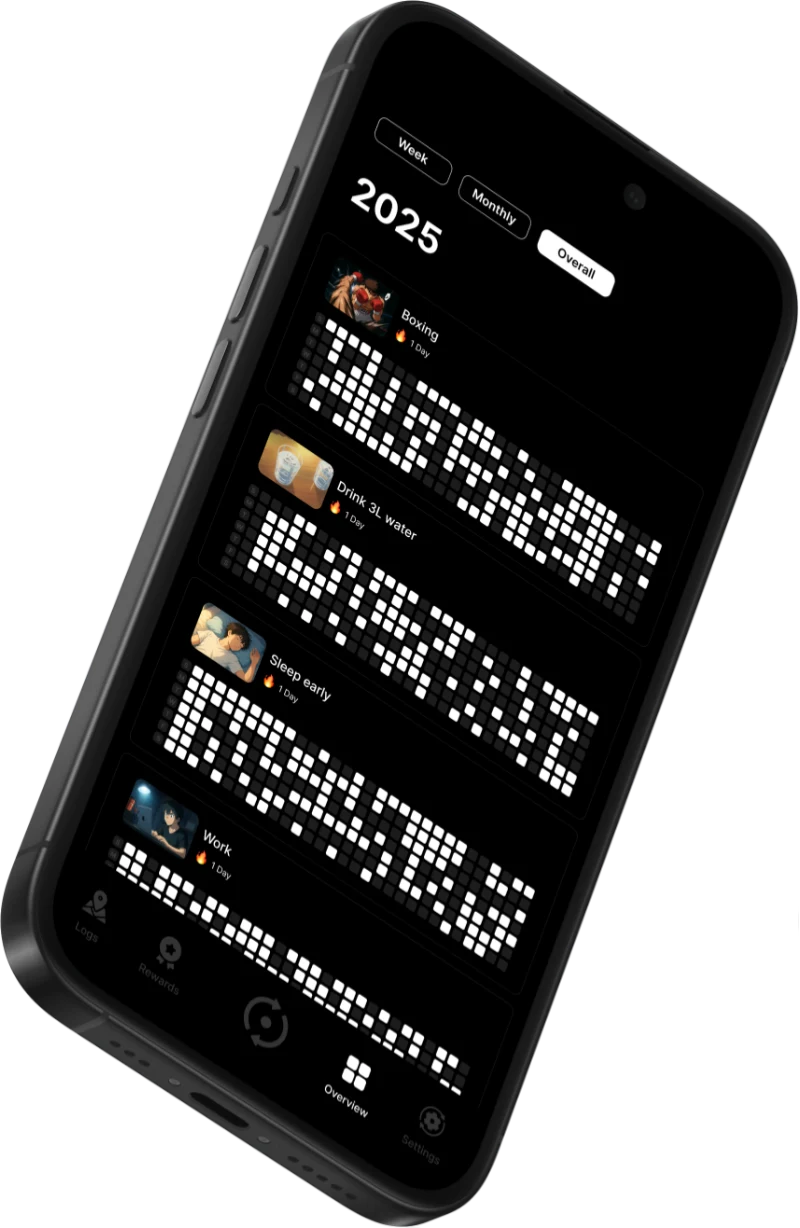
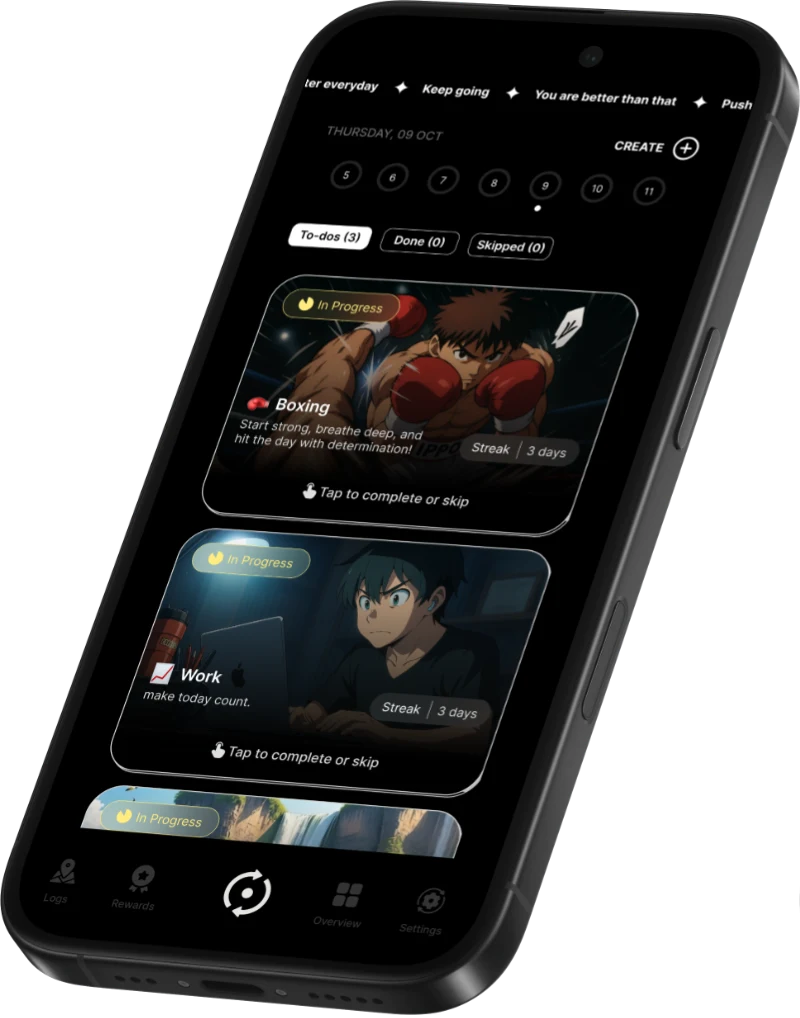
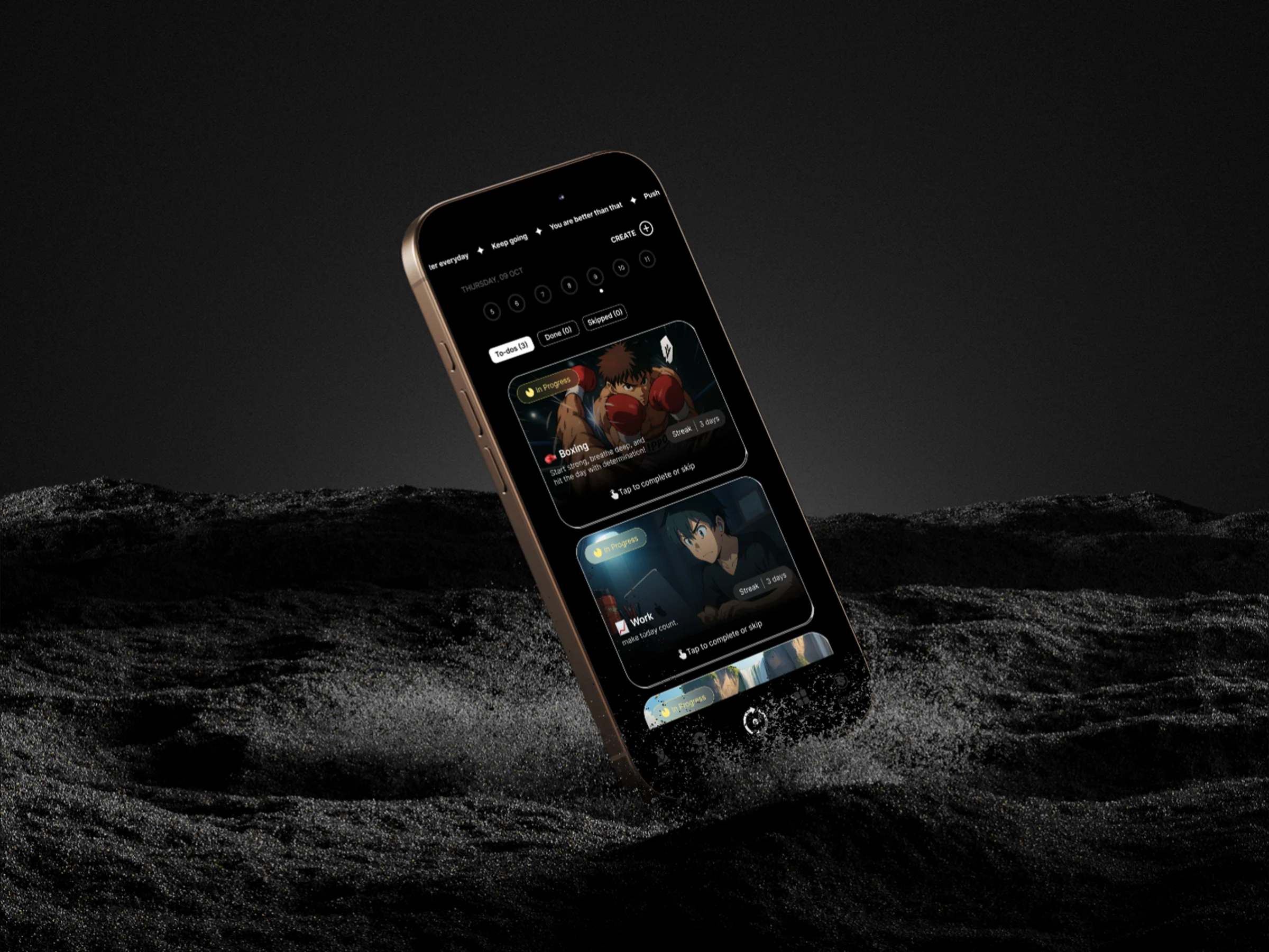
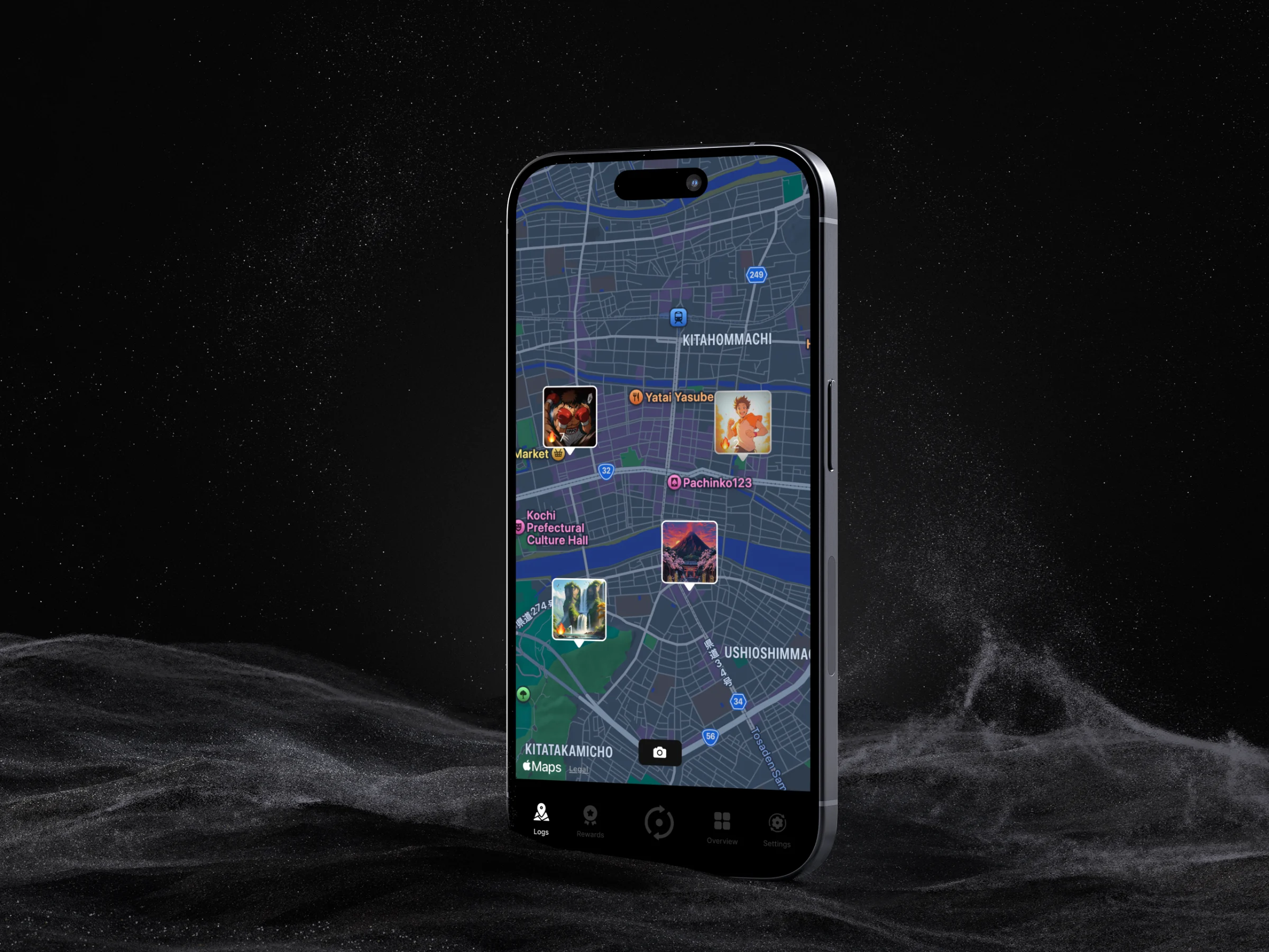
Consistency is a mobile app designed to help people build and maintain healthy habits through structured tracking and motivation tools. By combining traditional habit logging with geolocation features, the app allows users to log activities based on their physical location, creating a visual journey of their progress. The goal was to encourage self-discipline and long-term commitment by merging visual progress, rewards, and spatial interaction into a cohesive experience.
Sketches
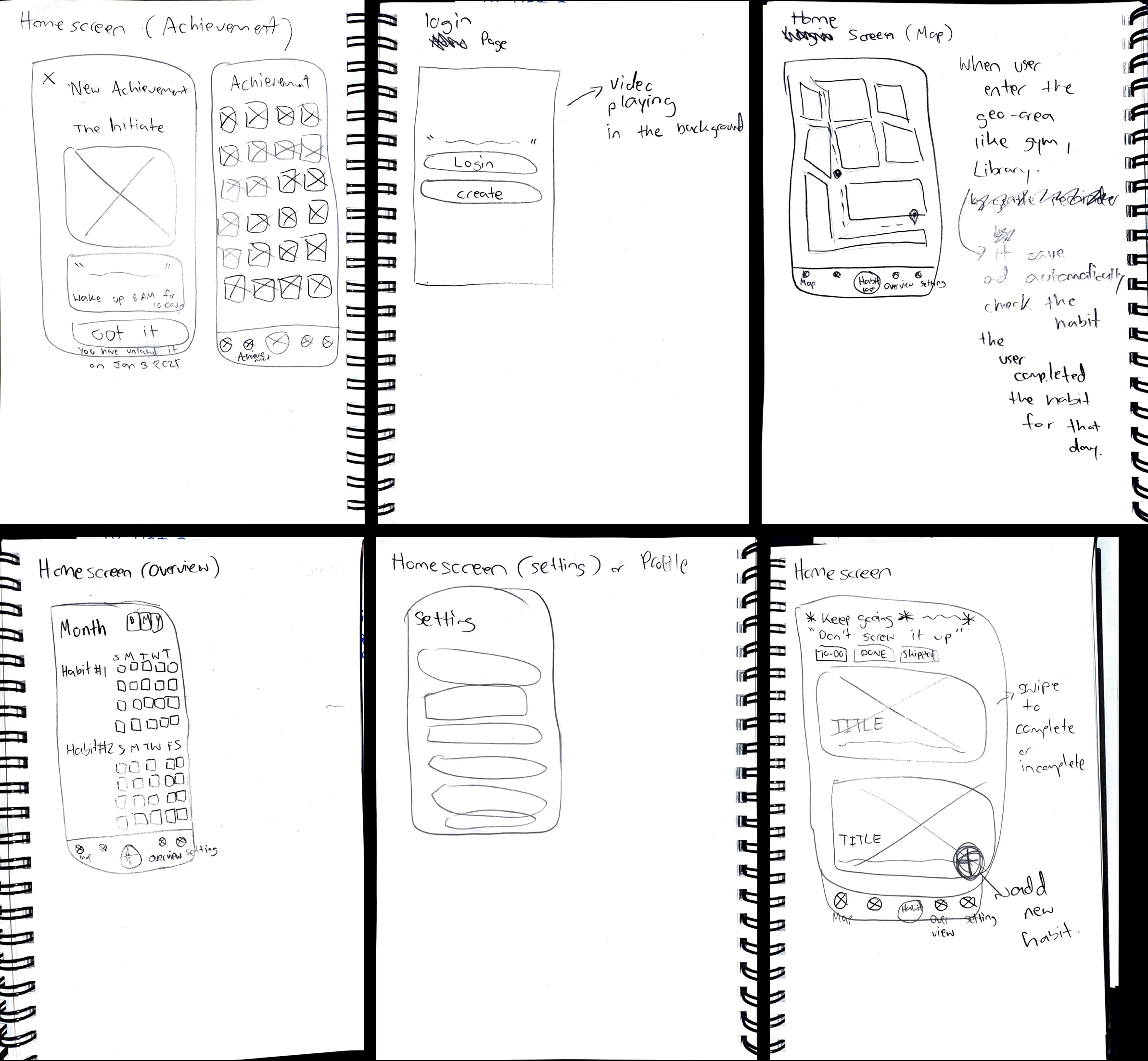
Initial concepts focused on how to integrate map-based logging with standard habit tracking cards.
Design and Build
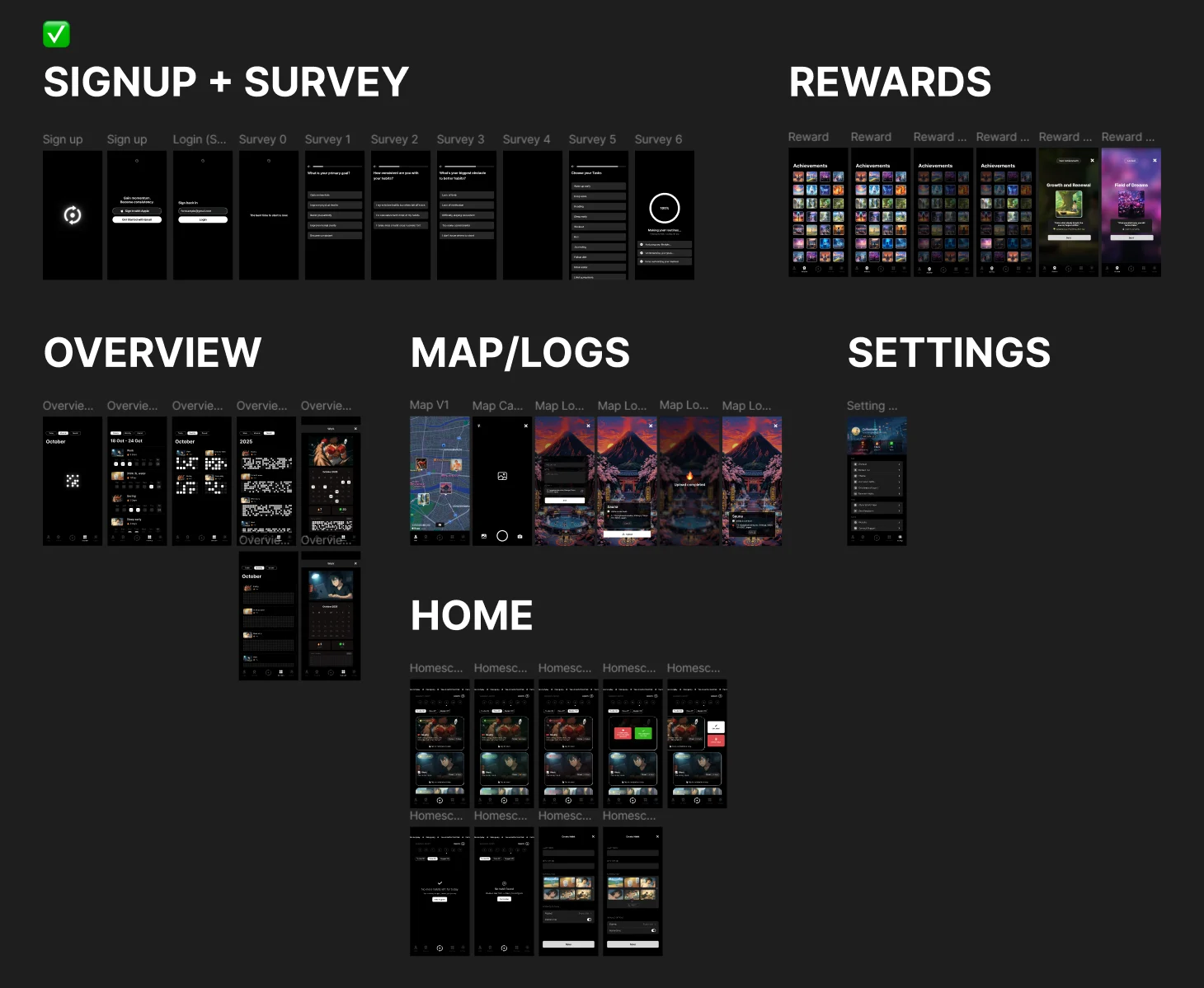
Built using React Native and Expo, the project required a robust technical architecture including Firebase for authentication and Async Storage for local data persistence. A key focus was the “Map Log” feature, which uses react-native-maps to let users attach photos and locations to their habits. We also implemented a gamification system where users unlock achievement cards based on their streaks, adding a layer of visual motivation.
Technical Challenges
-
01
Navigation
One of the main technical challenges was managing the complex navigation structure. We needed a mix of tab-based navigation for main screens and stack-based navigation for flows like “Create Habit.” This required restructuring the navigation tree to allow specific screens to overlay the bottom tab bar.
-
02
The Stats Screen
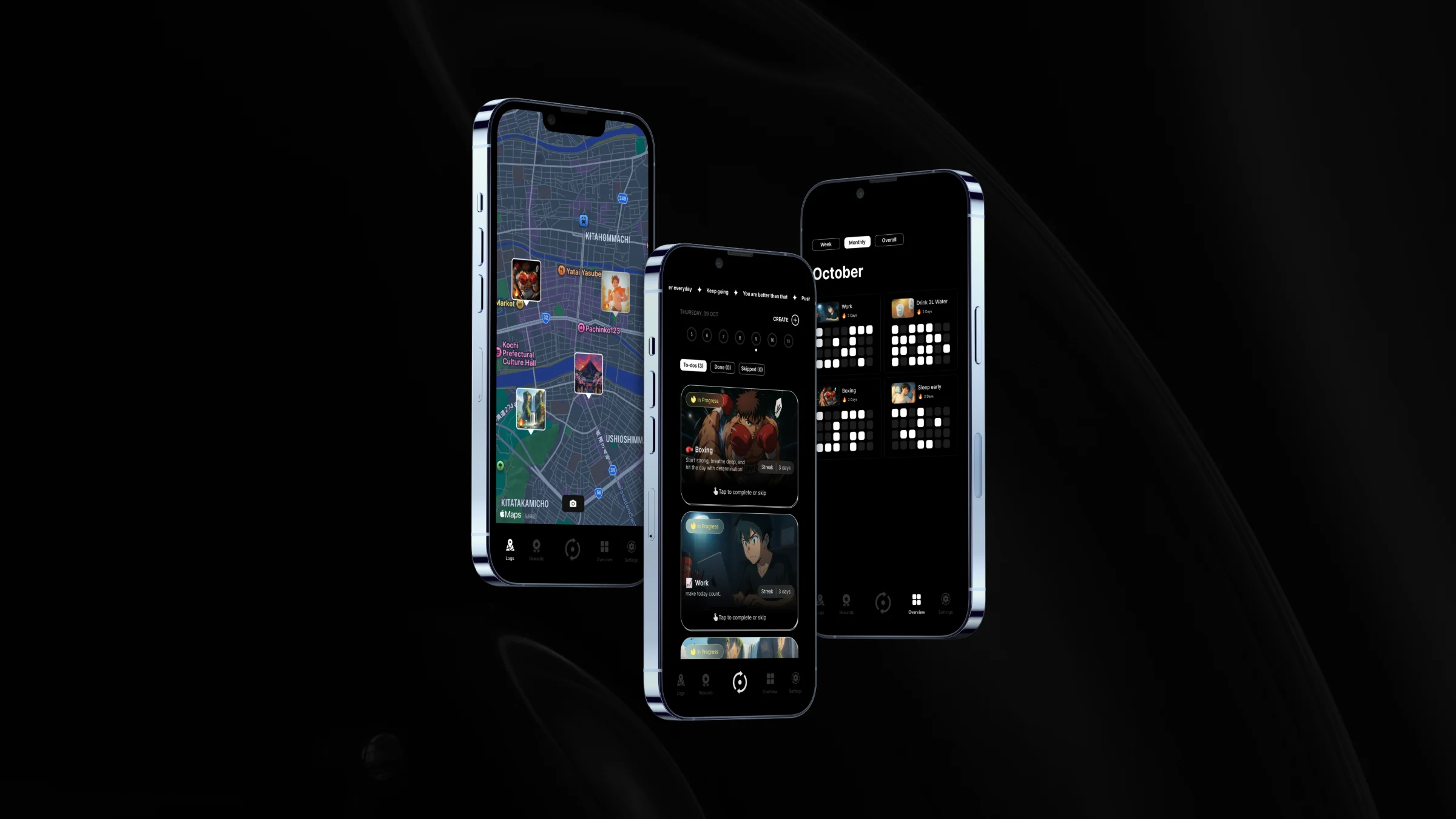
Another hurdle was conditional rendering on the Stats screen, which needed to display data in three drastically different formats (weekly list, monthly grid, yearly heatmap). We solved this by creating modular sub-components and using state variables to conditionally render the correct layout without code duplication.
Final Product
Reflection
We successfully implemented all core features, resulting in a functional and cohesive user experience. The final app includes secure authentication, a dynamic home dashboard, interactive habit tracking, and the unique map logging feature. Through this project, I significantly strengthened my skills in React Native component lifecycles, state management, and creating polished “glassmorphism” UI styles.